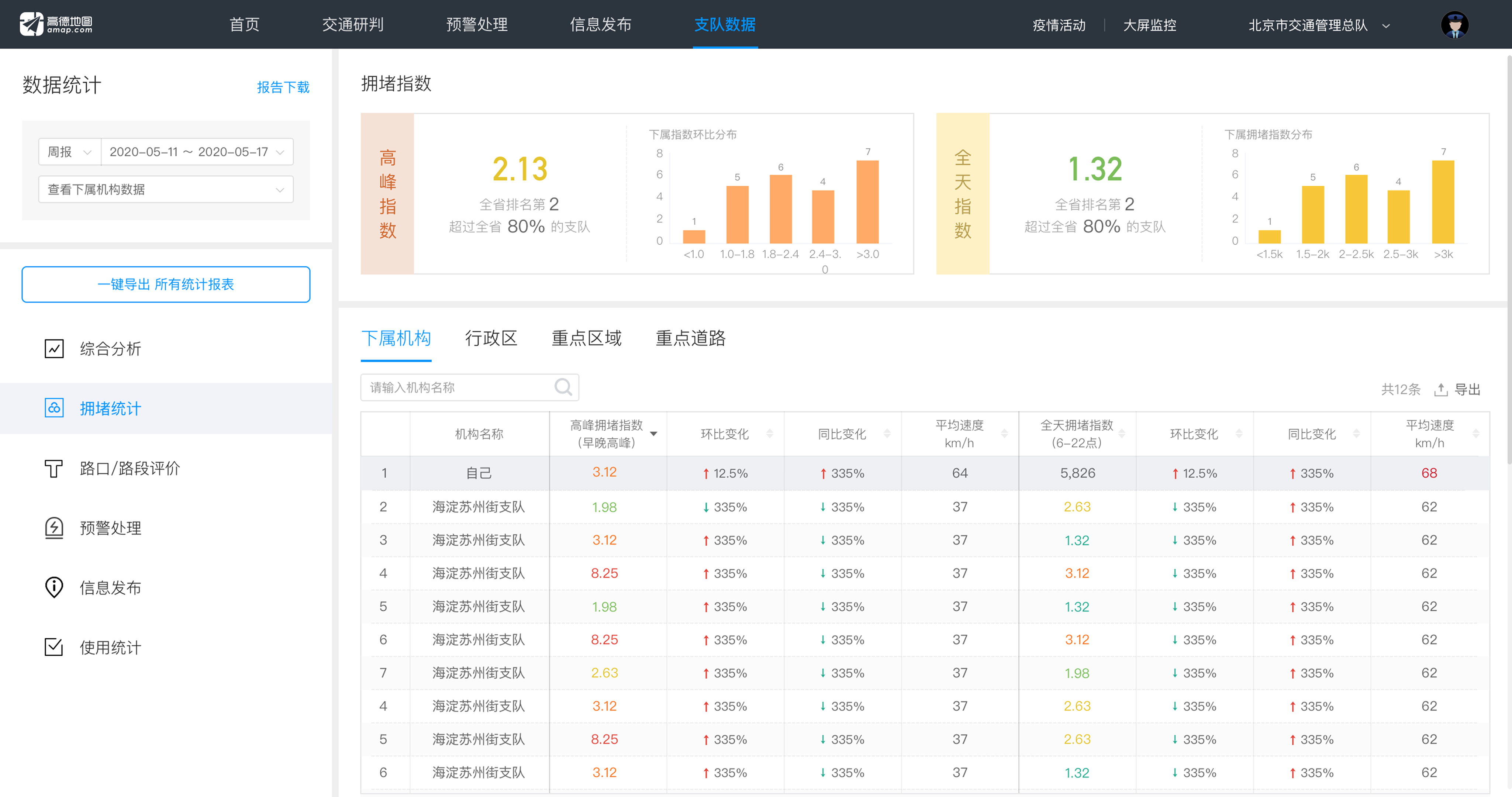
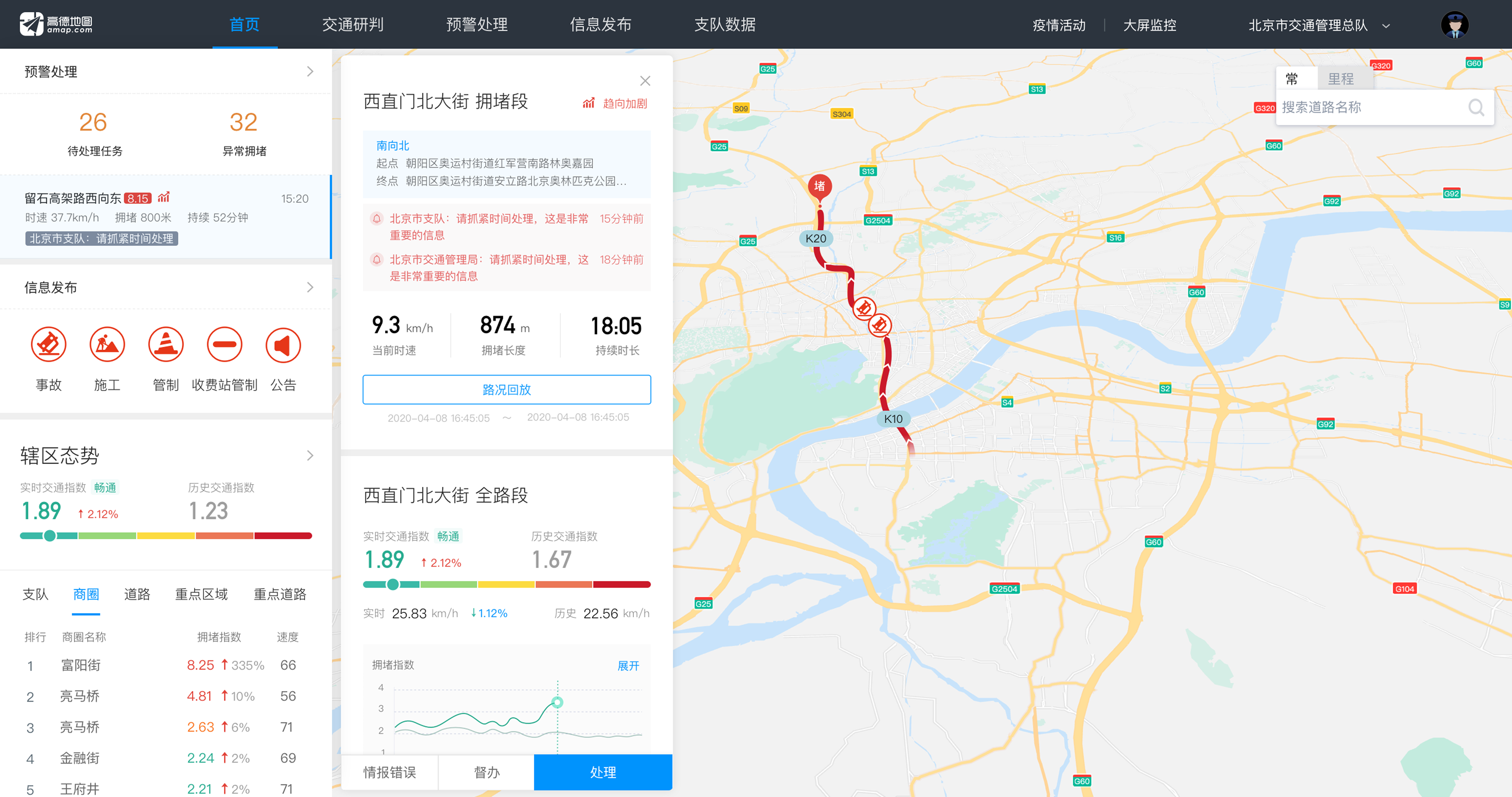
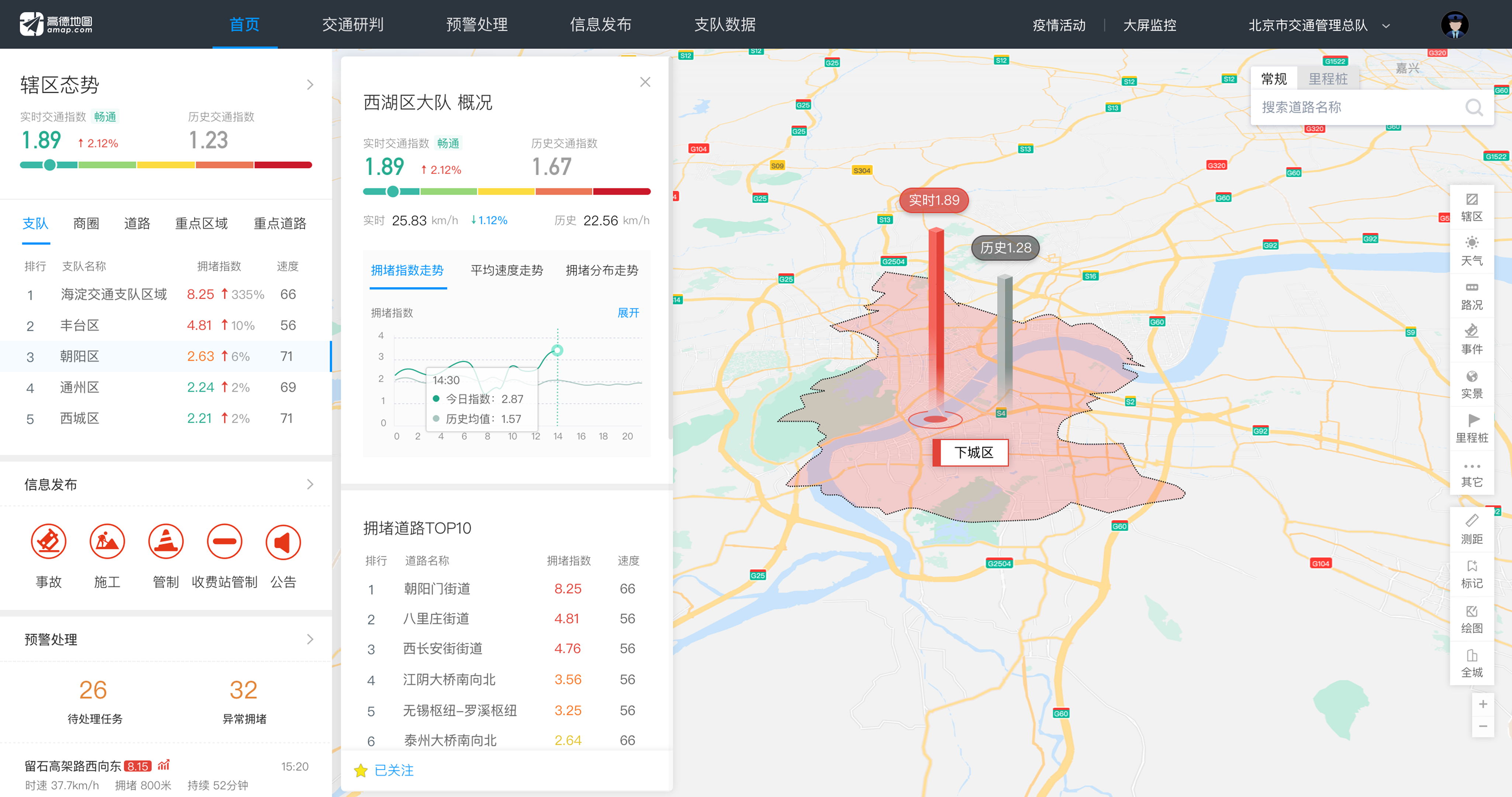
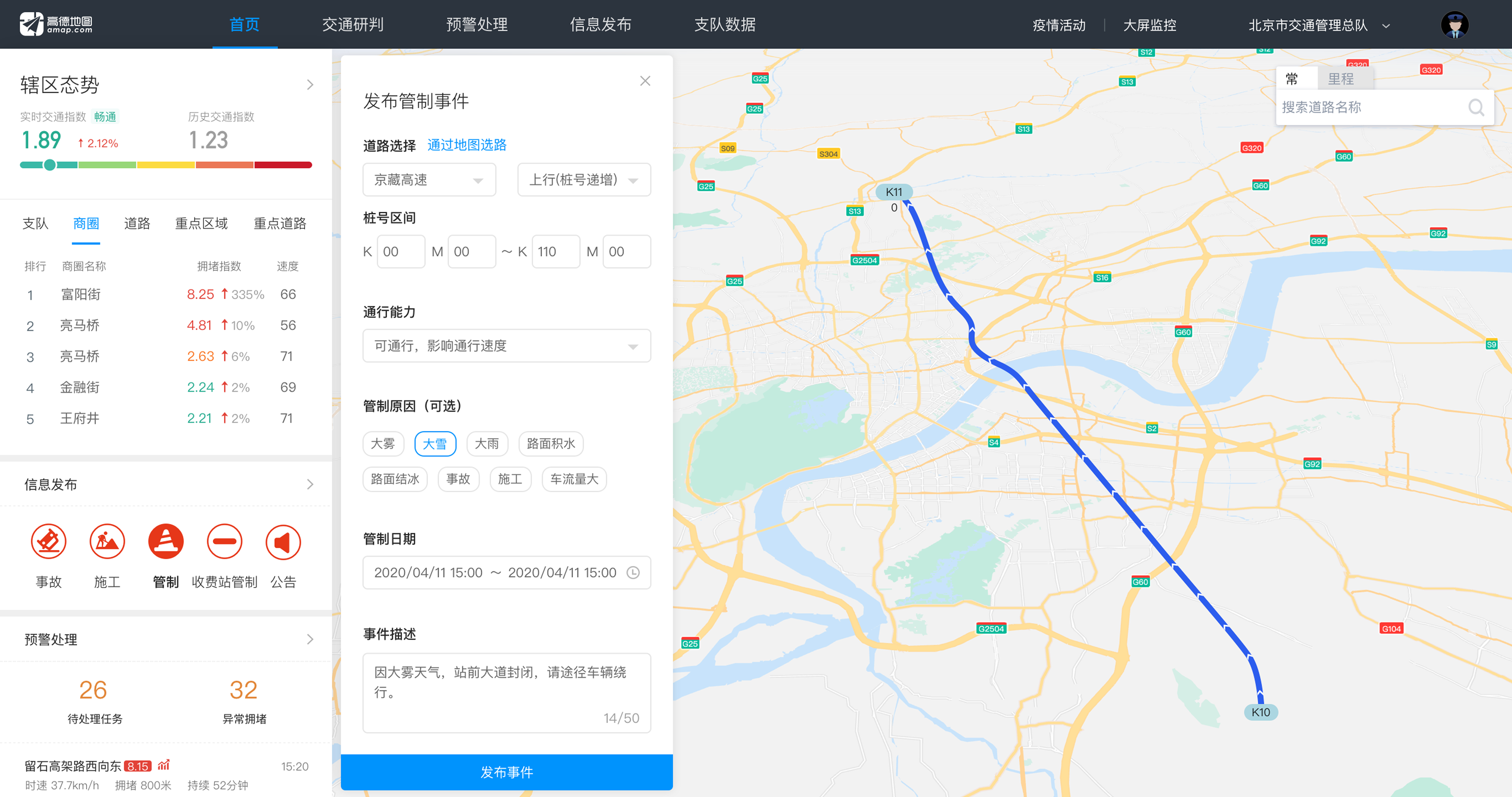
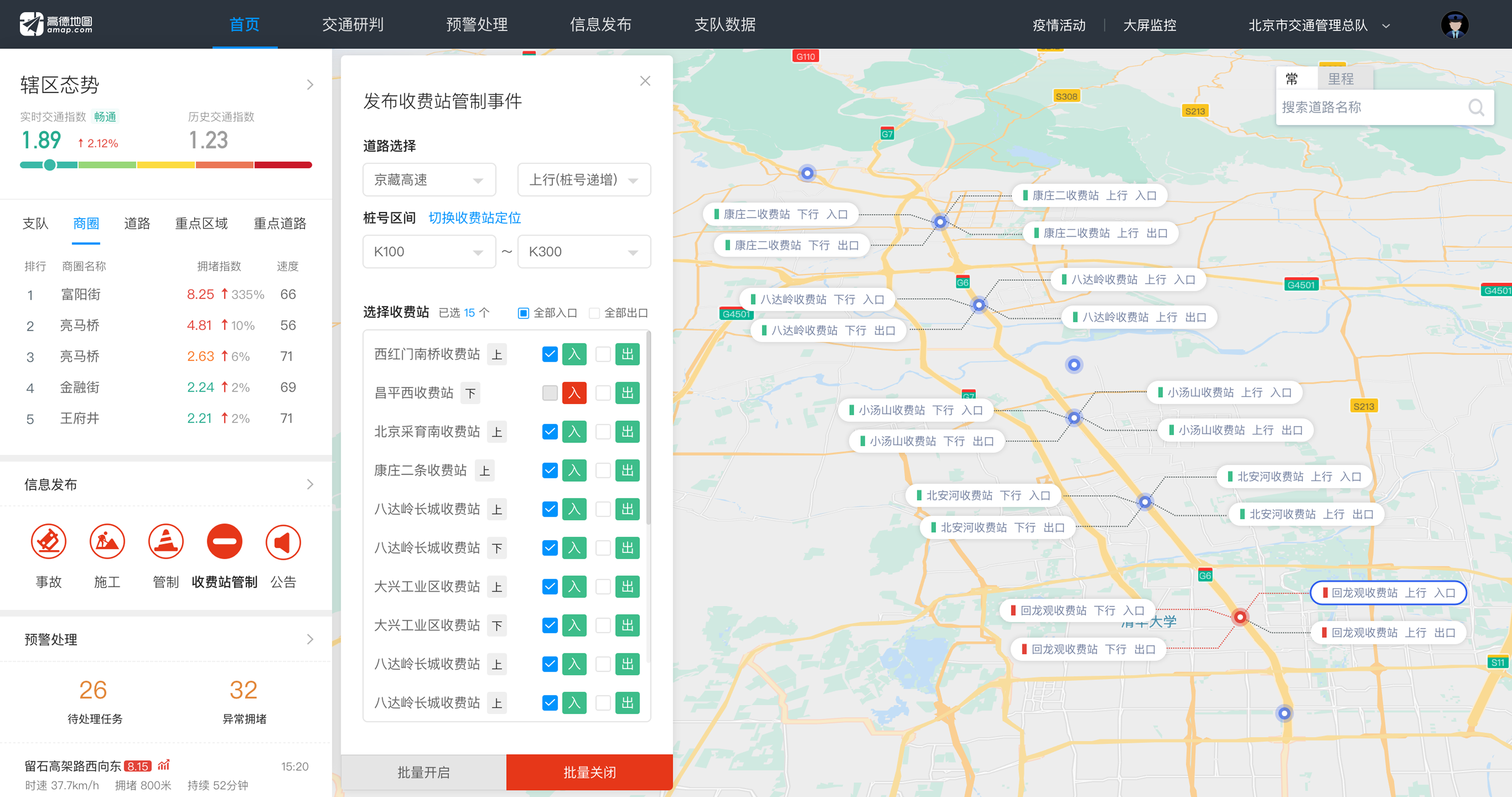
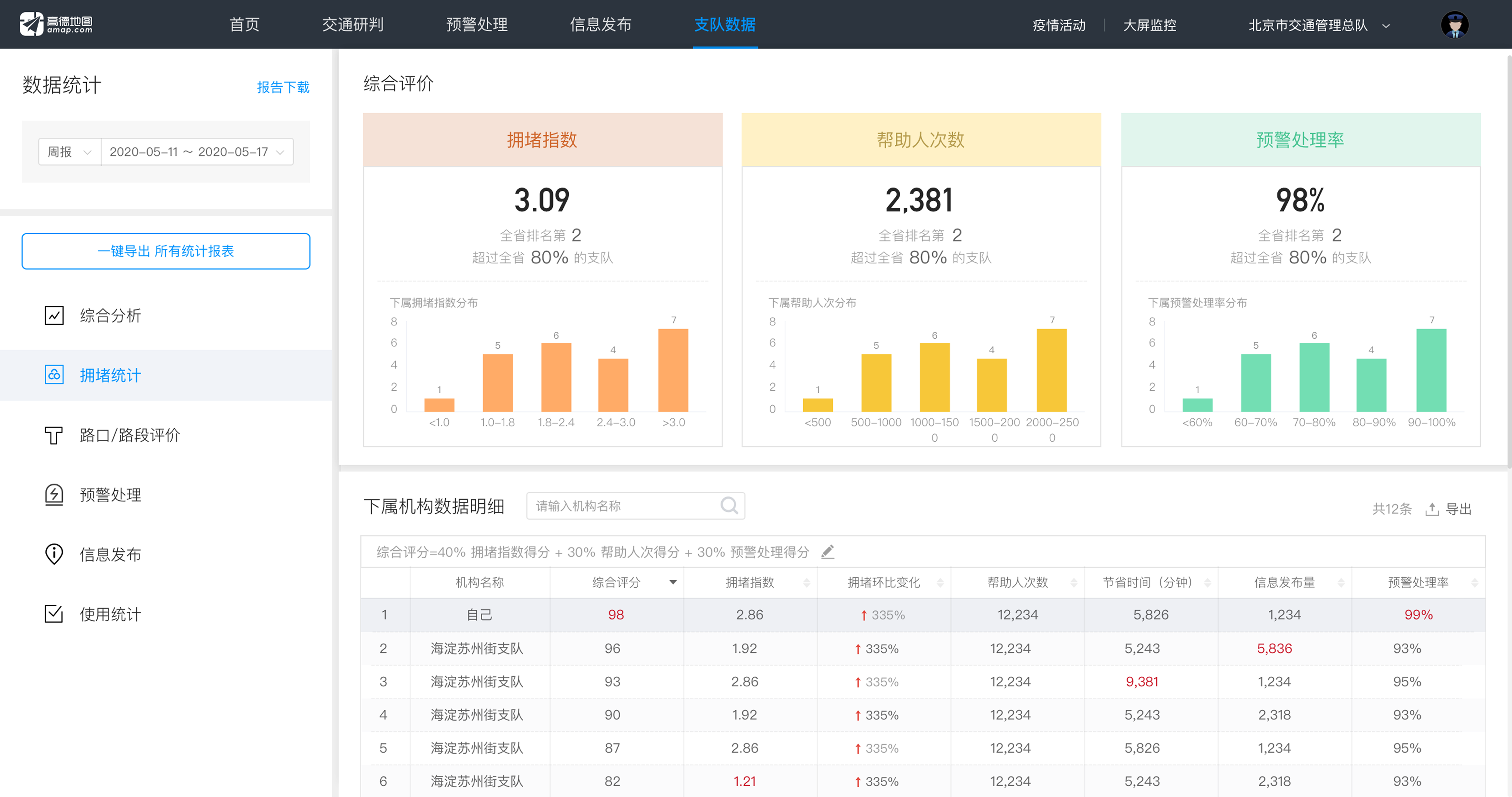
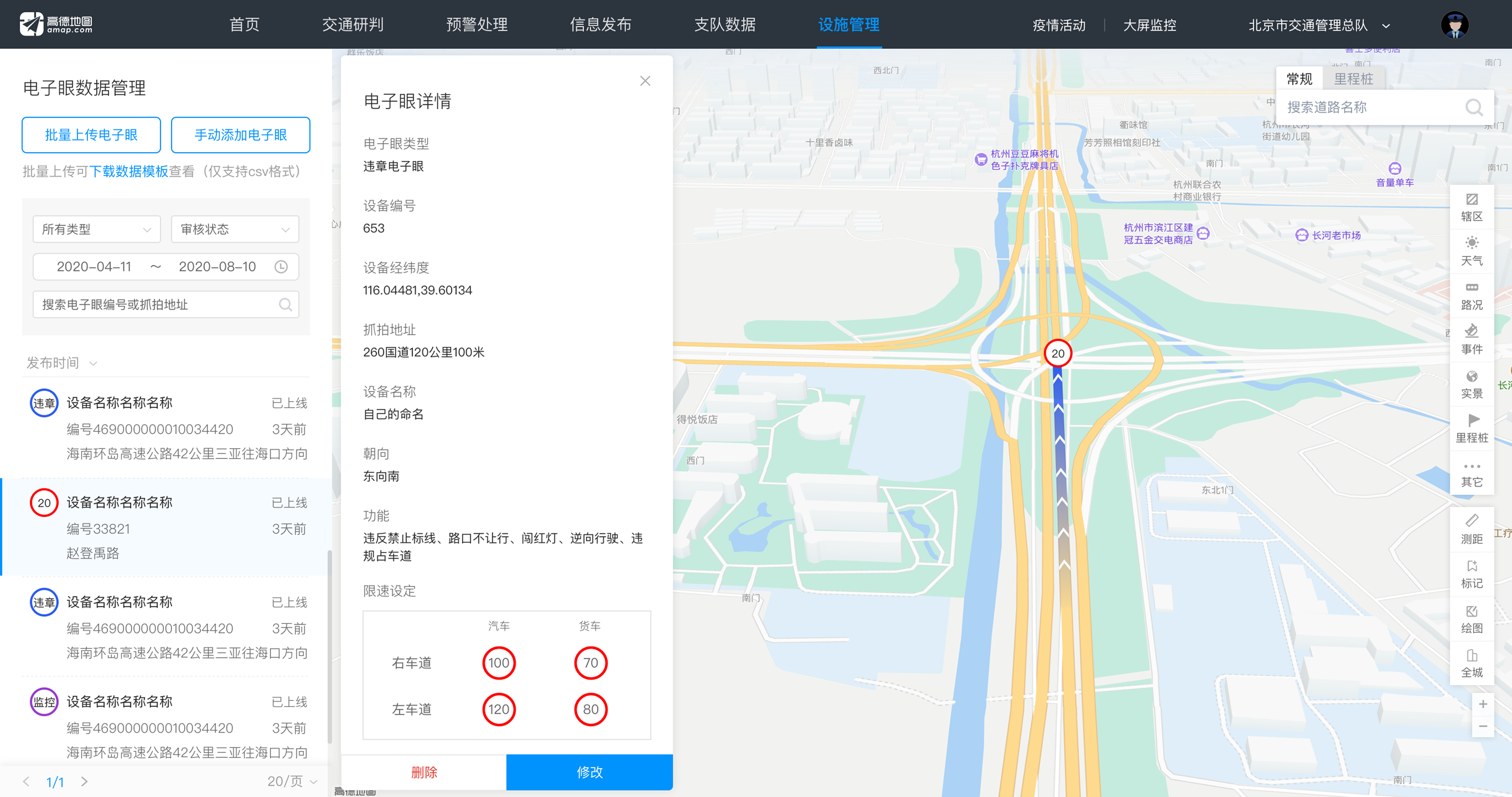
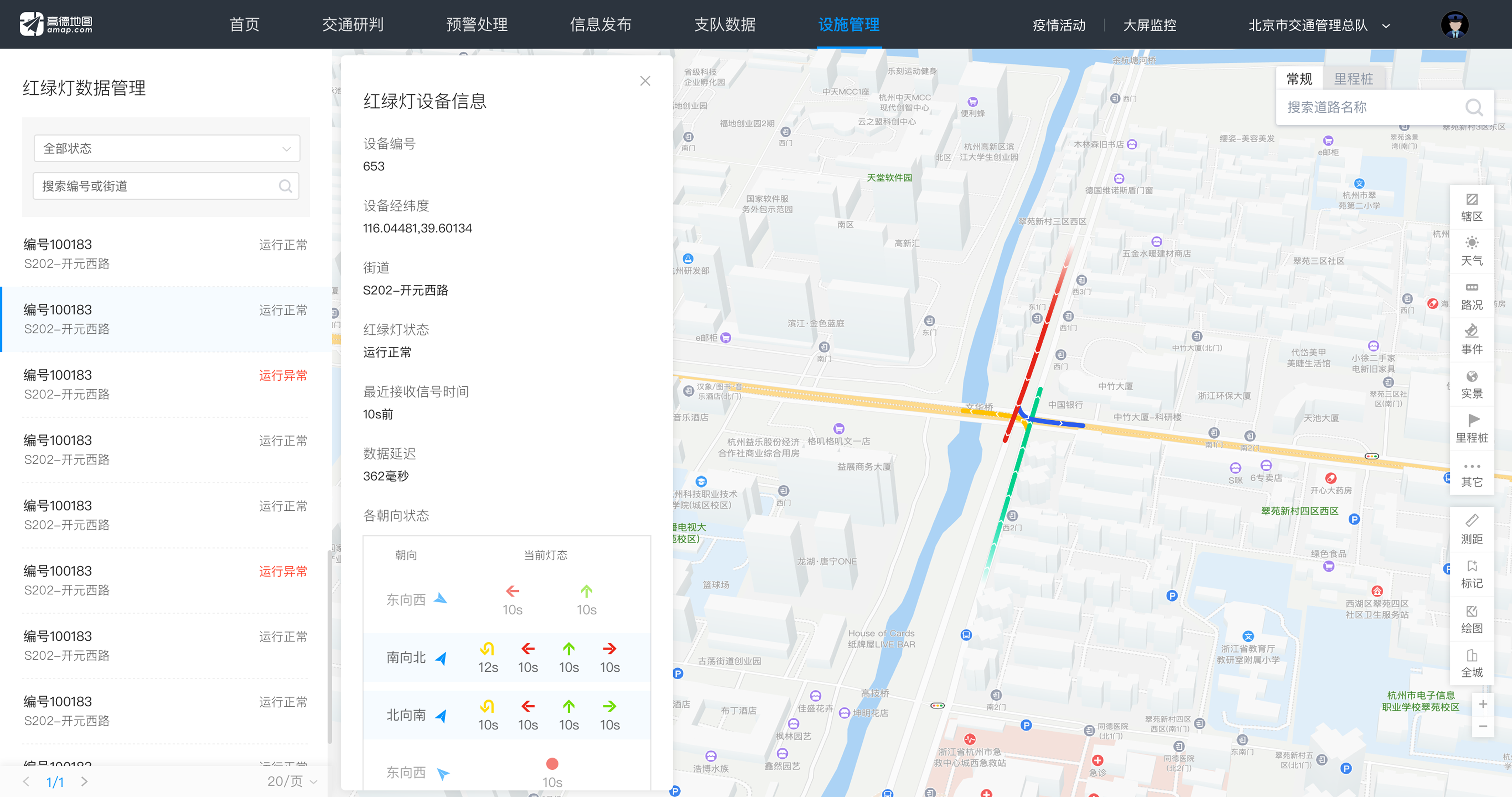
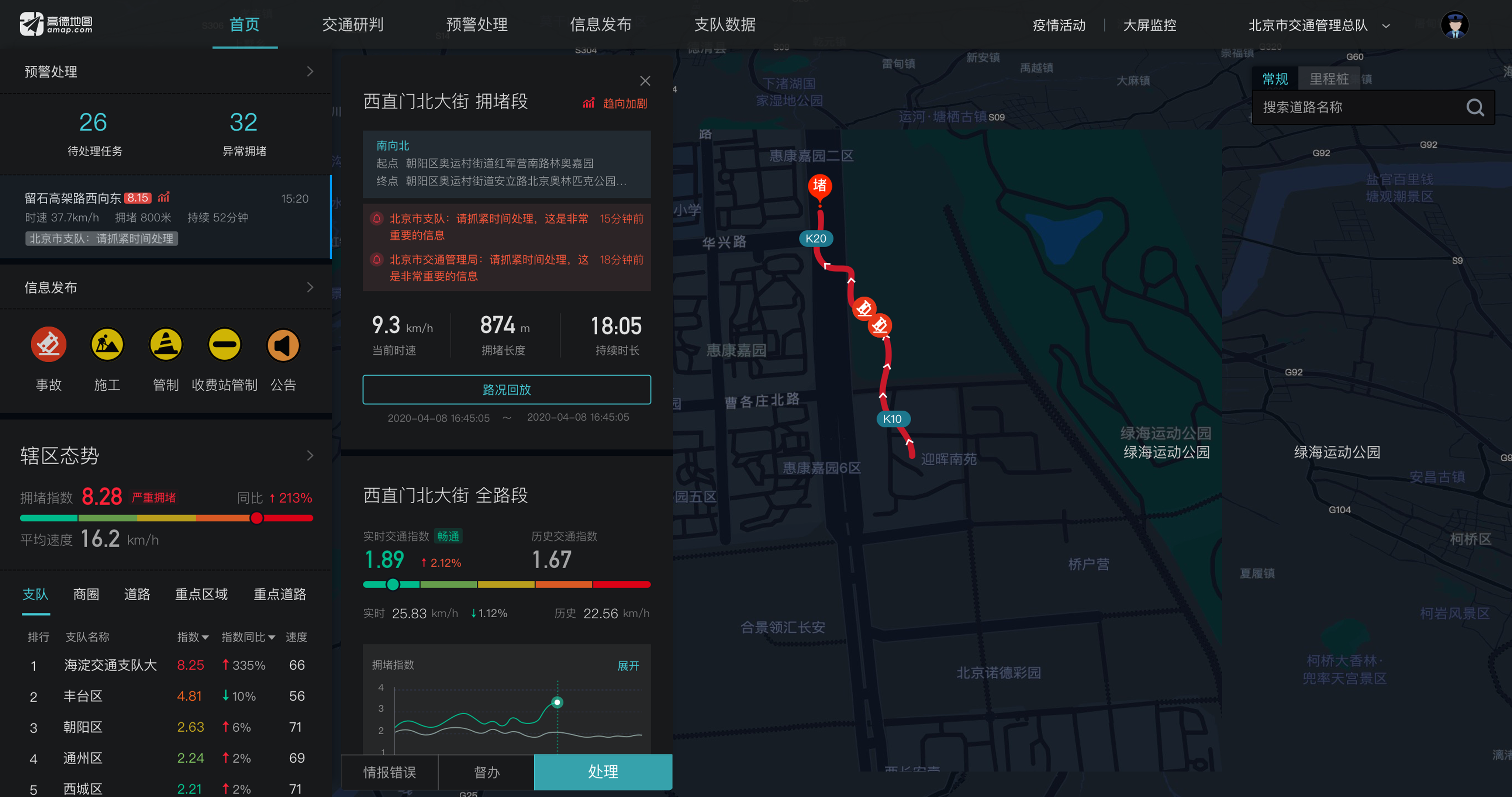
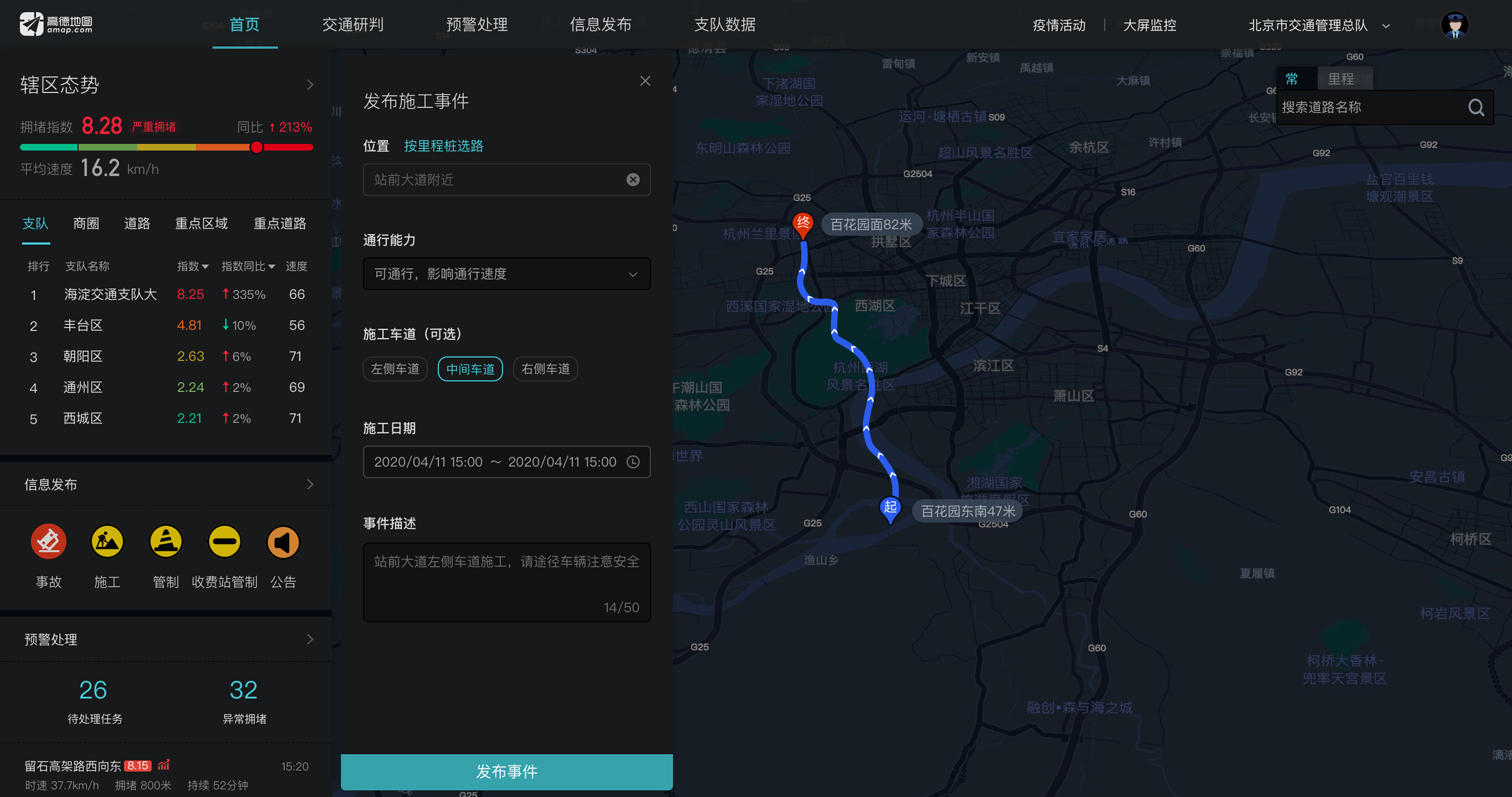
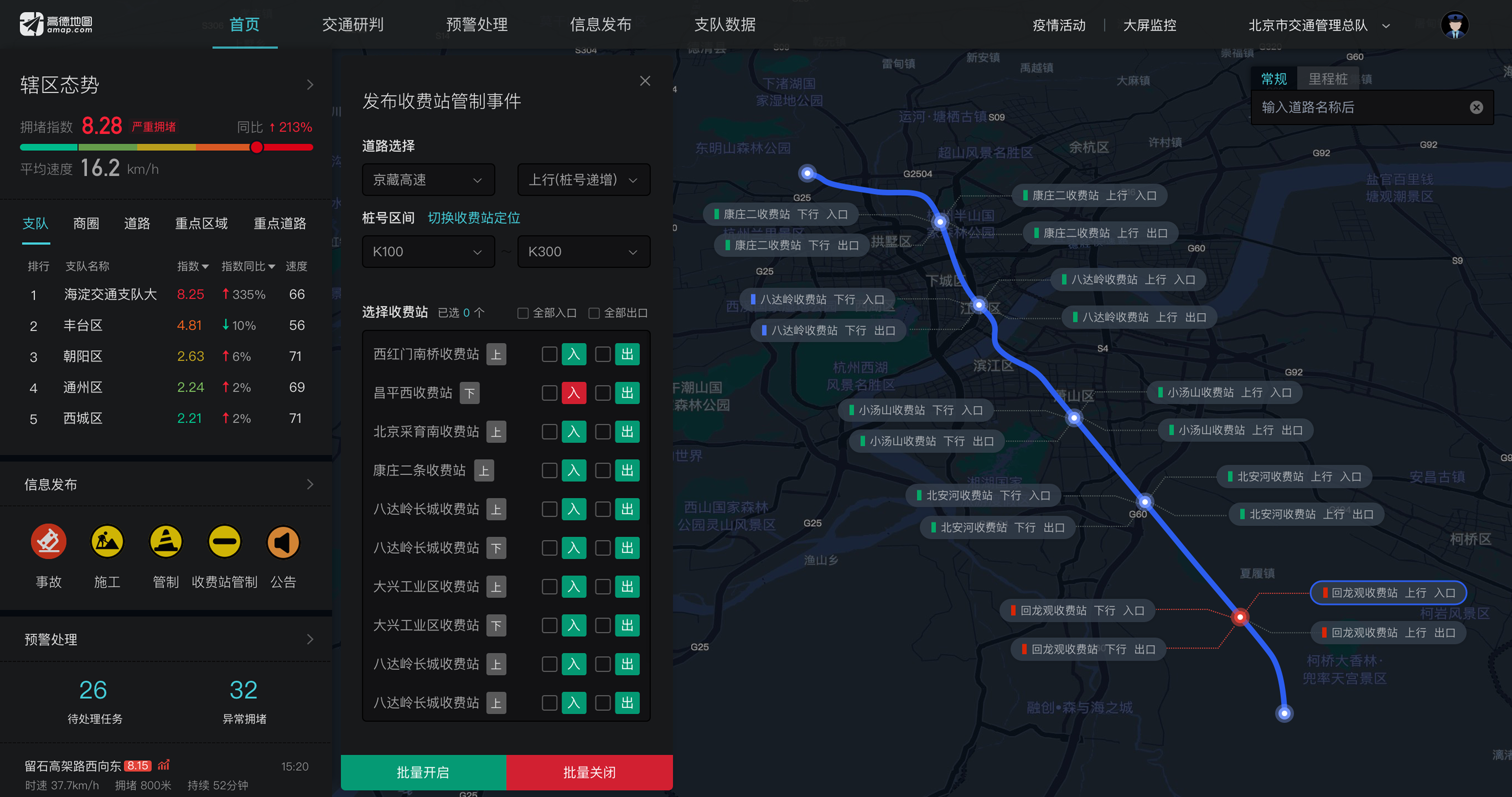
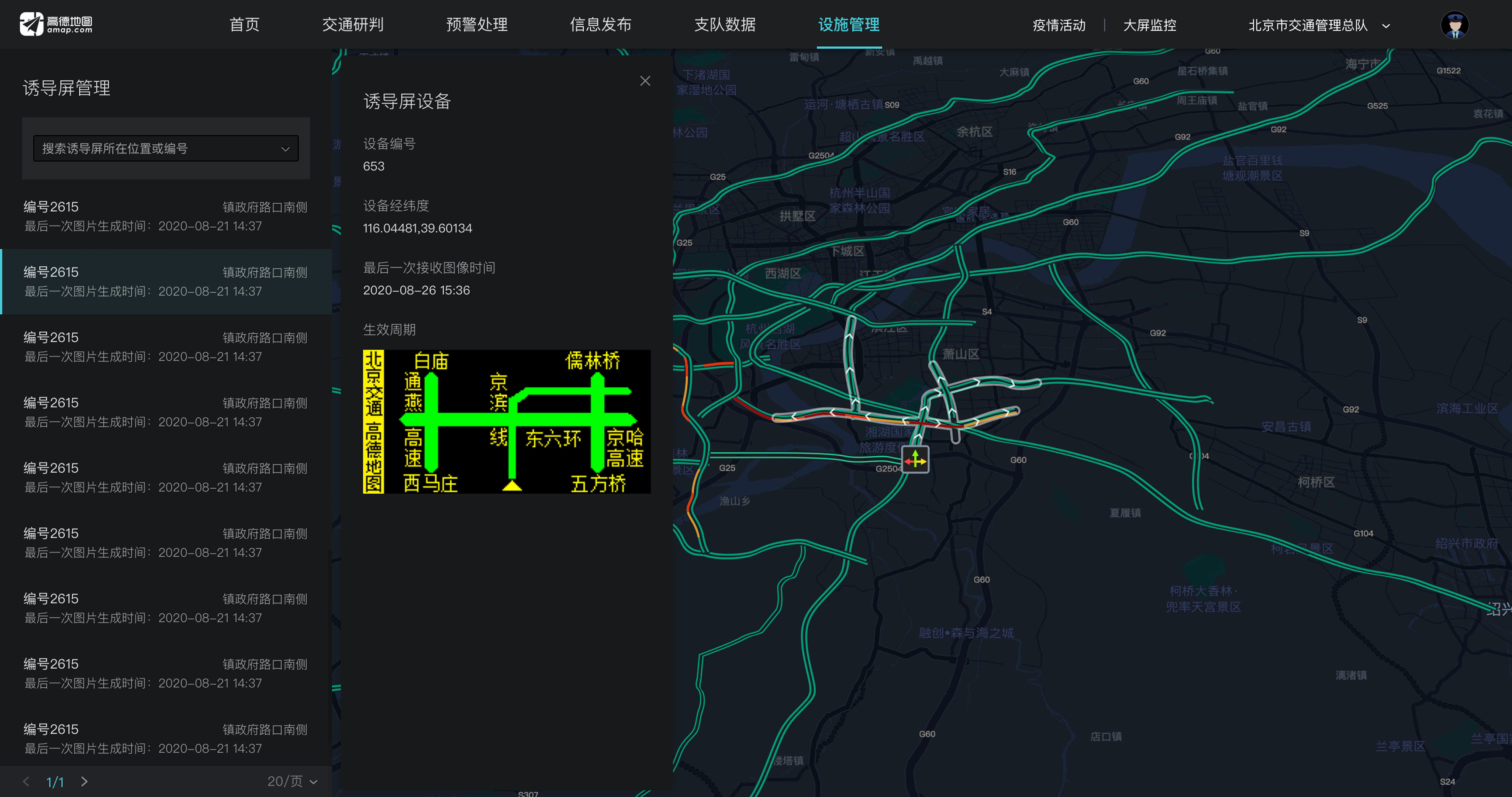
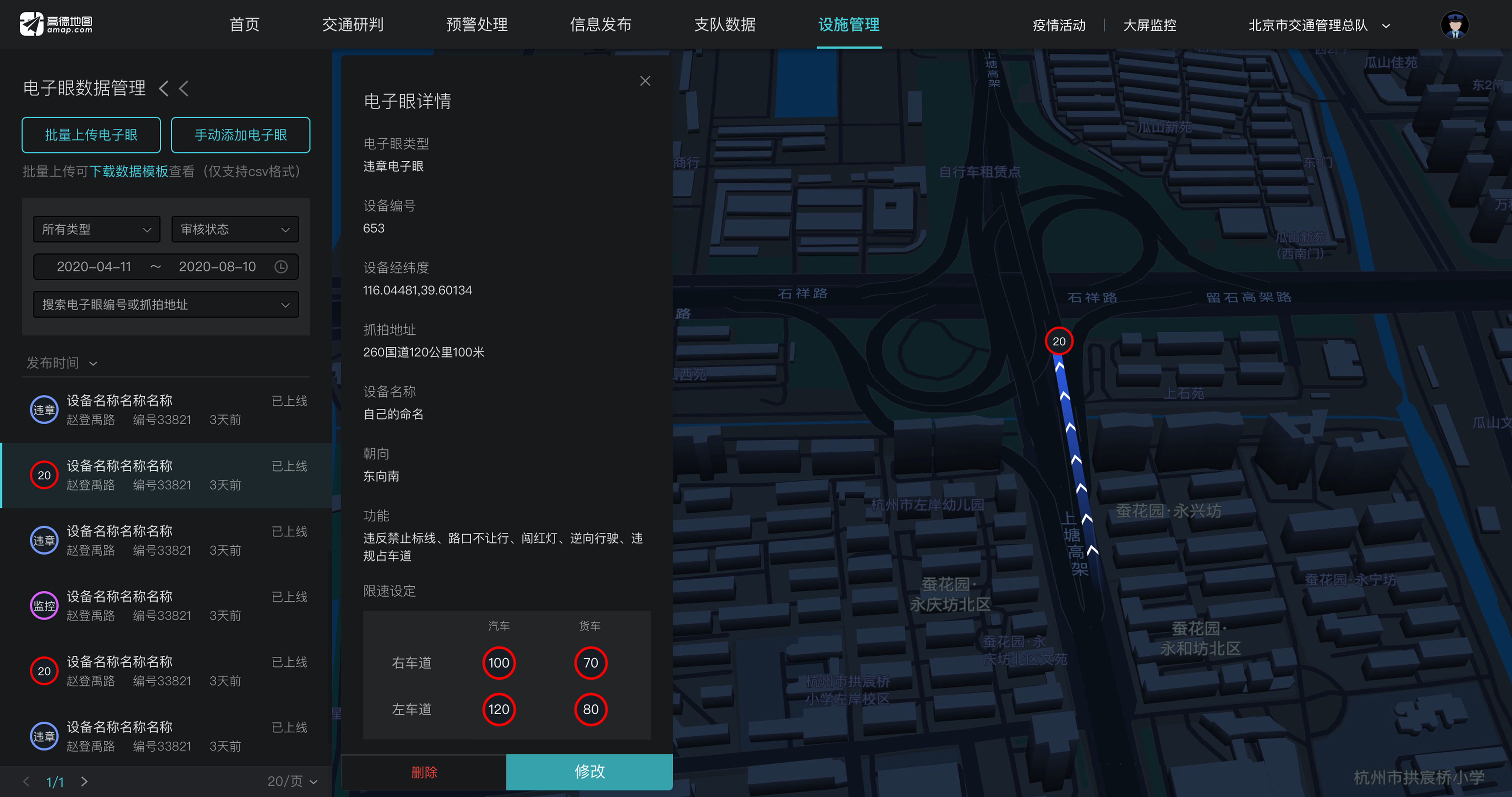
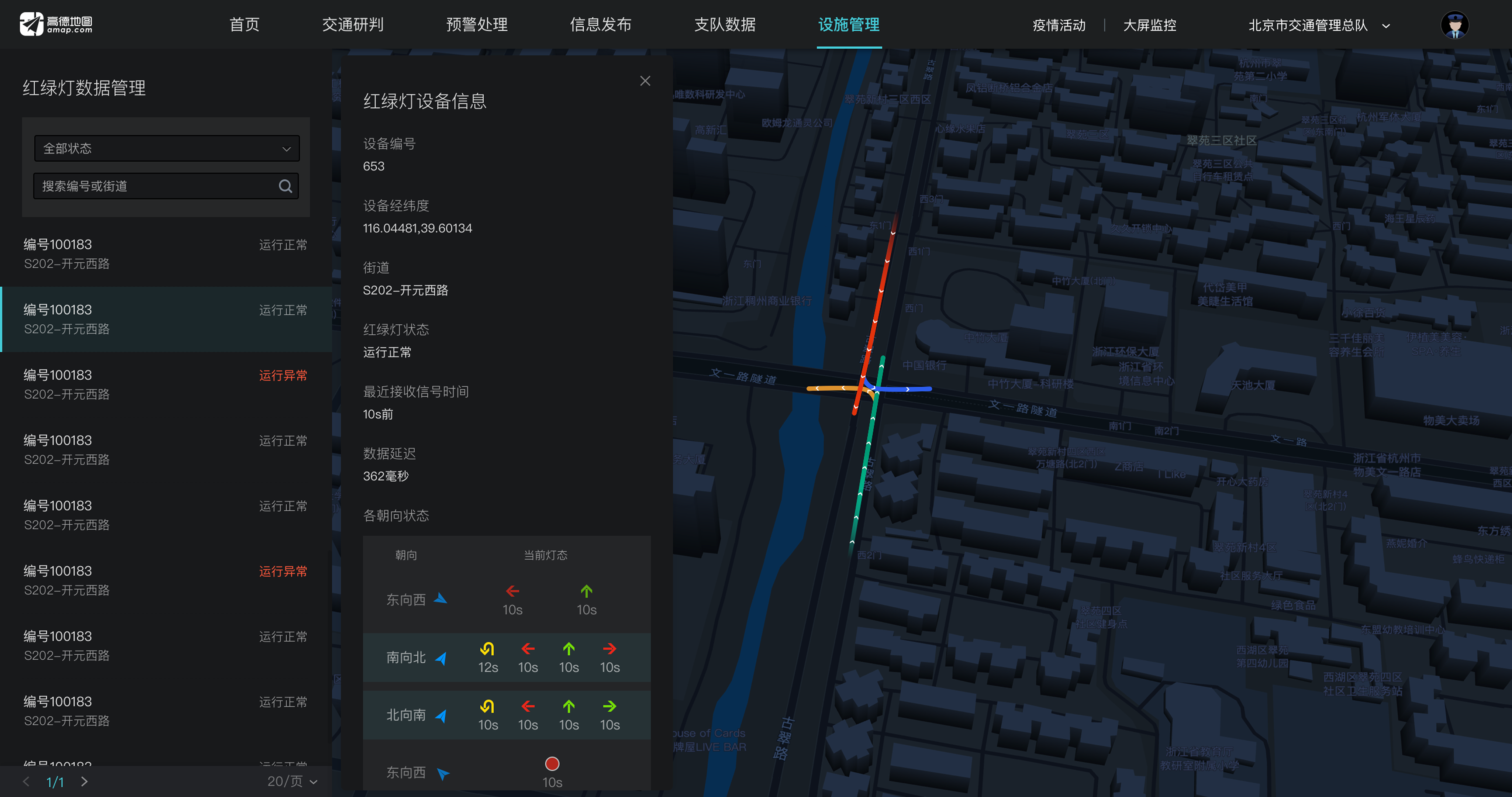

I helped redesign Amap's smart traffic platform into a clearer operational workspace, enabling traffic officers to monitor incidents, manage tasks, and understand real-time road conditions across dense data layers.
Amap Smart Traffic is a B2B traffic management platform used by local traffic authorities to monitor real-time road conditions, manage incidents, and coordinate operational tasks.
The platform brought together multiple data sources, including traffic flow, incidents, signals, road segments, police resources, and task information. While this data was valuable, it also created a dense and complex workspace for officers who needed to make quick decisions under time pressure.
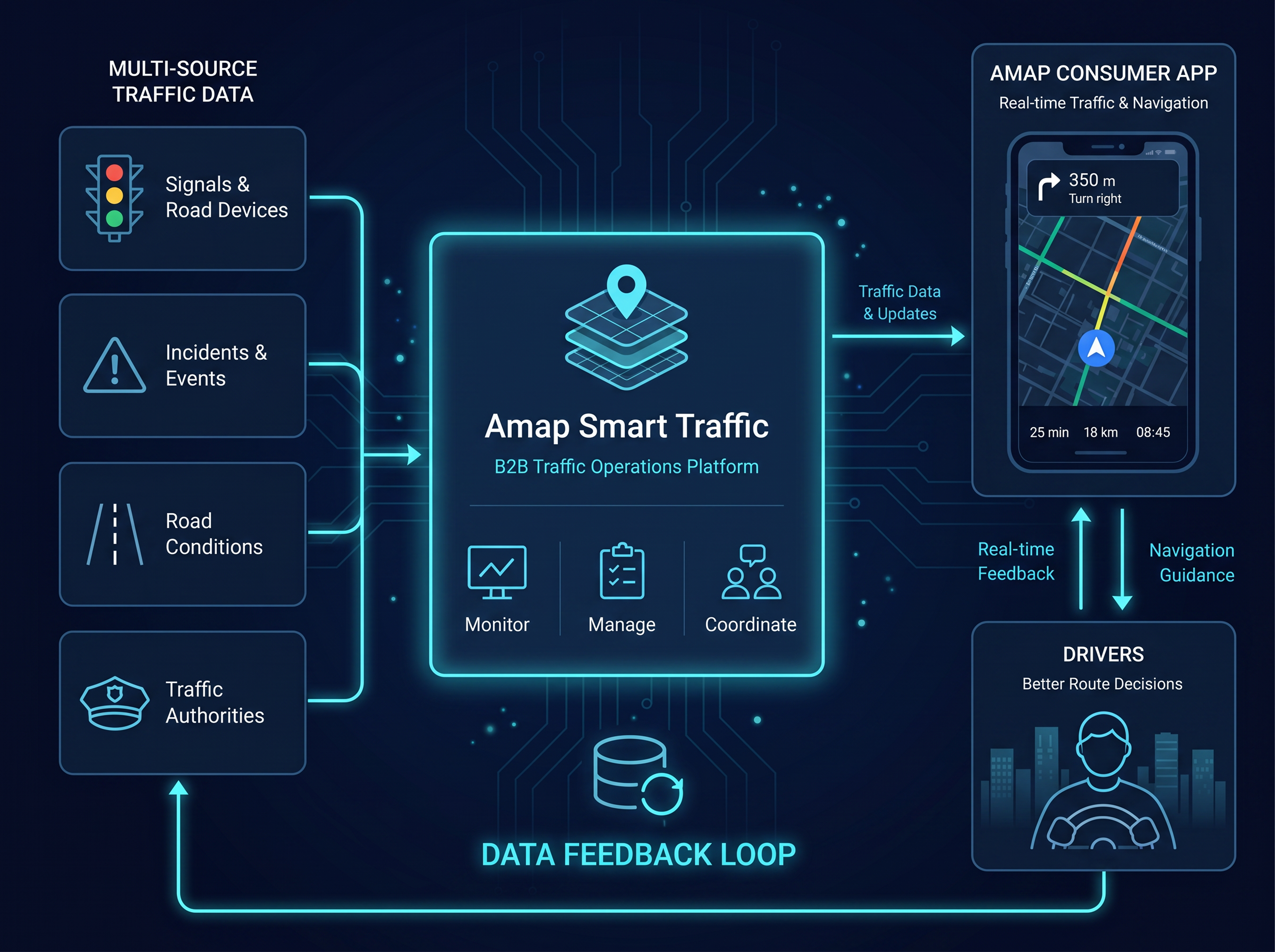
The goal was to create a traffic management platform that delivered clear operational value to traffic authorities while encouraging wider adoption. Since the system was provided to traffic police for free, Amap's business value came from the data feedback loop: the more officers used the system, the more real-world traffic data could flow back into Amap's consumer app. This helped improve real-time traffic accuracy and navigation experiences for a consumer product serving over 100 million average daily active users.

Help officers scan key information faster, understand road conditions, and handle traffic tasks more efficiently.

Support smoother traffic flow through better traffic response and coordination across partner cities.

Feed higher-quality traffic data back into Amap's consumer app to support more accurate real-time navigation at scale.
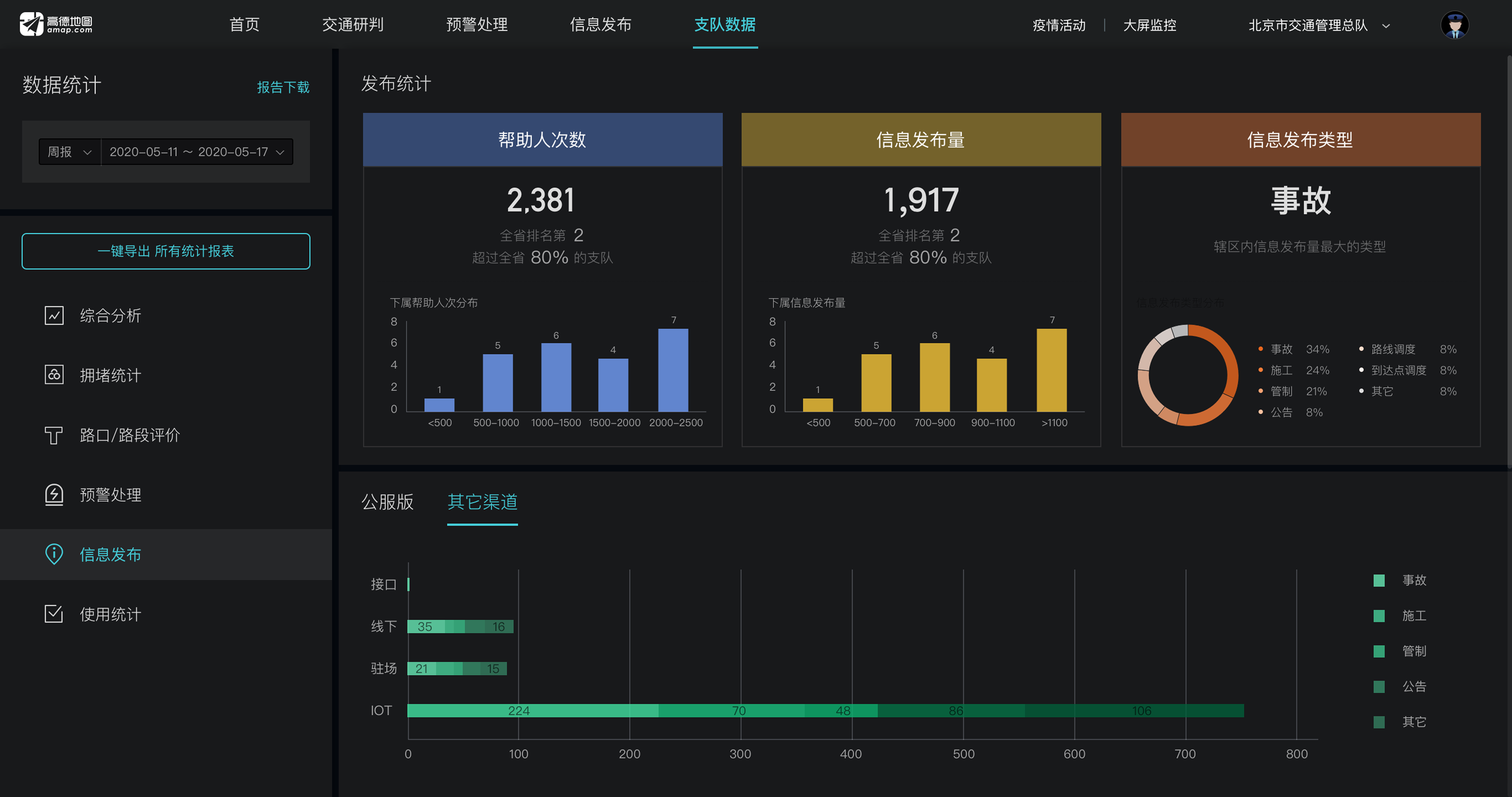
Within 6 months of launch, we captured early adoption results, performance signals, and client feedback that informed follow-up improvements, including dark mode.
Traffic police operate in unpredictable, high-pressure environments. The legacy system supported only single-task workflows, limiting flexibility in urgent situations.
Meanwhile, smart city initiatives raised expectations for network-level traffic coordination. The platform's original static, siloed data displays could no longer support real-time, multi-source traffic analysis. A more dynamic and intuitive map-based visualization was urgently needed.
China's traffic police system operates under a clear hierarchical structure: Headquarters → Detachment → Brigade → Squadron. Understanding this structure was critical for designing workflows and interfaces that matched the distinct responsibilities, decision scopes.
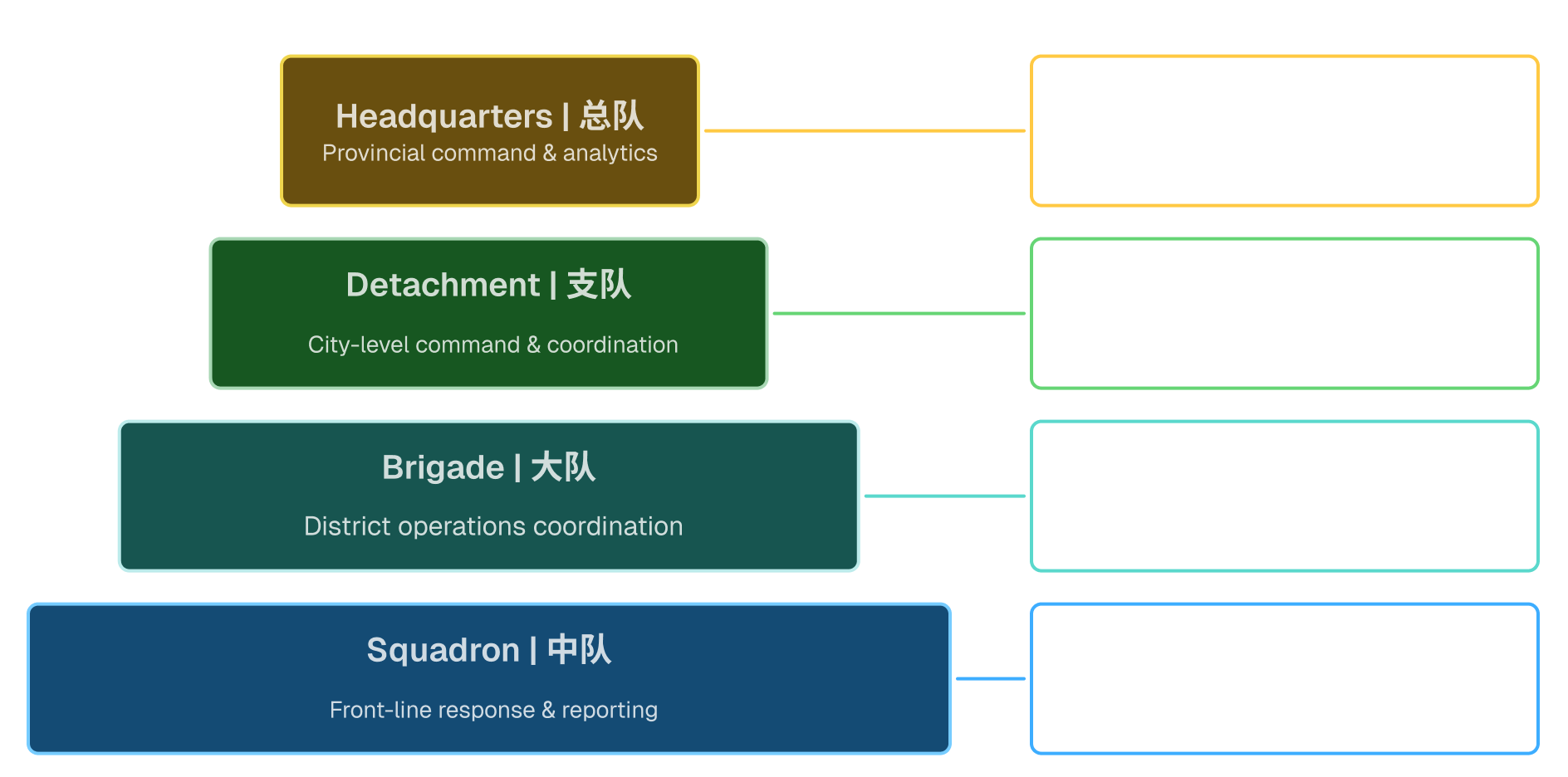
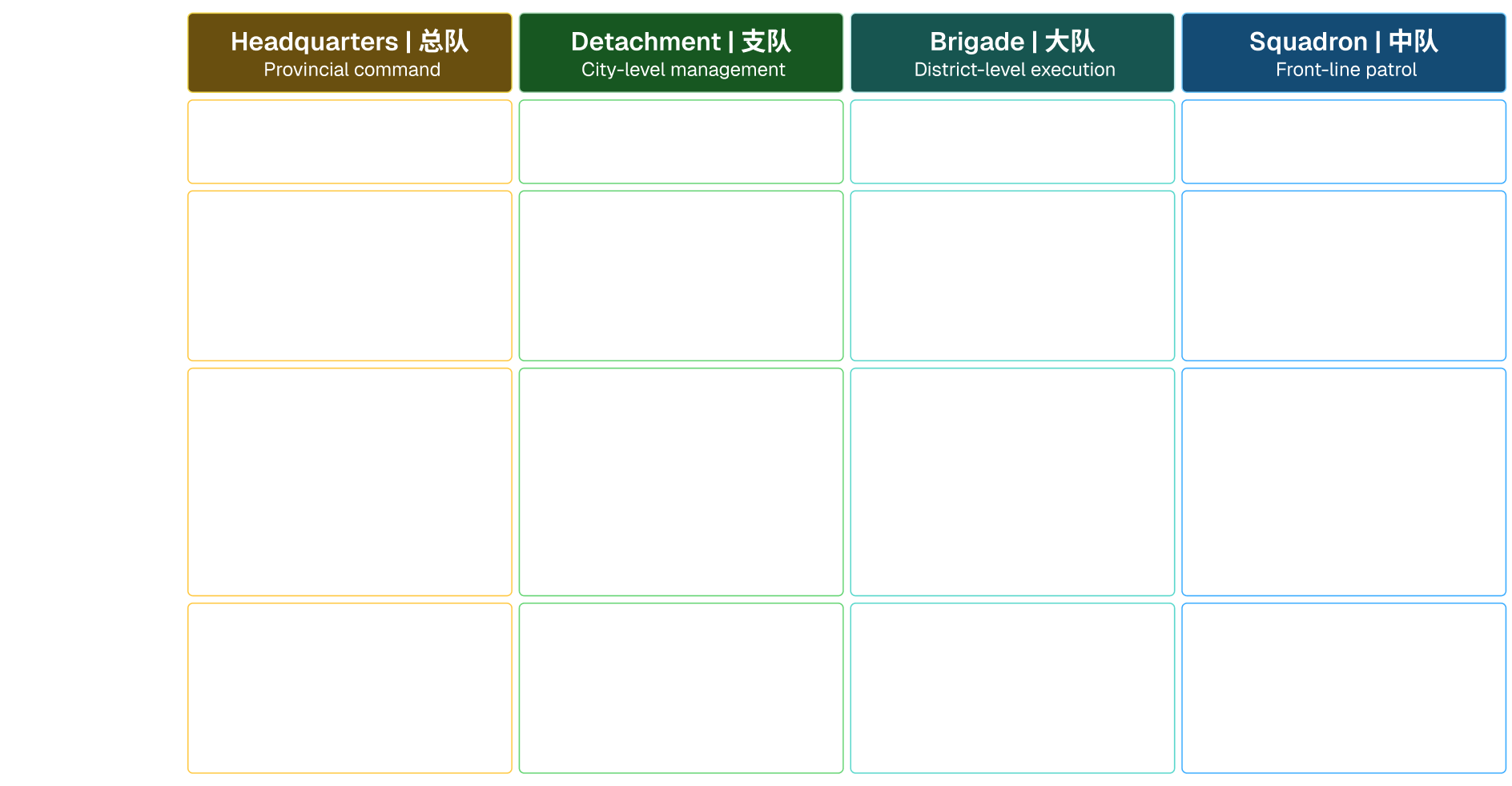
Traffic police work spans multiple operational levels. Each level has a different decision scope, responsibility, and system need.
Because the original platform was built for Chinese traffic police operations, I translated the role structure into a clearer product view: what each level needed to decide, what tasks they handled, and what system capabilities were required.
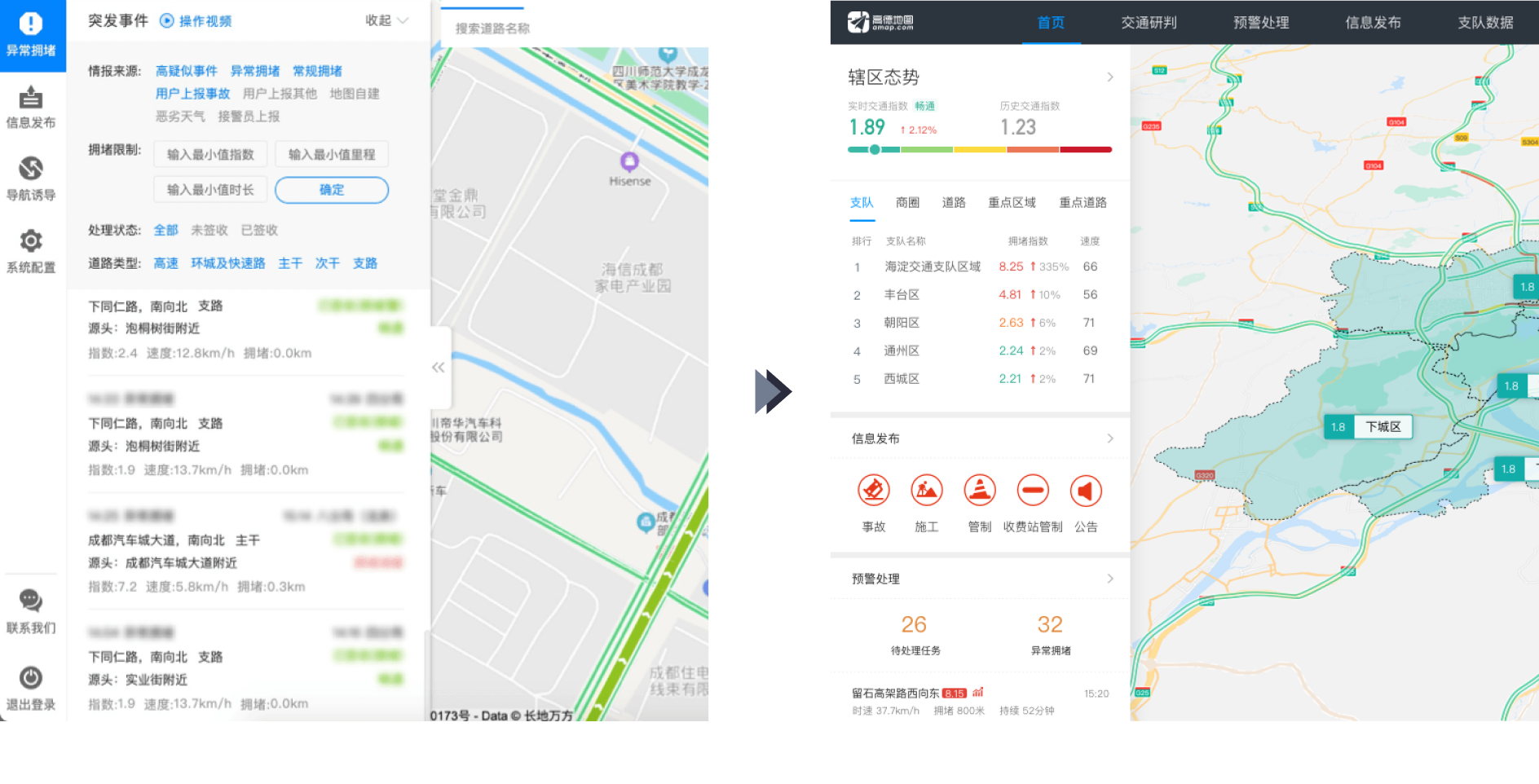
The legacy layout worked for focused task handling, but made it difficult for officers to stay aware of changing road conditions, new alerts, and active incidents while working inside a specific module.
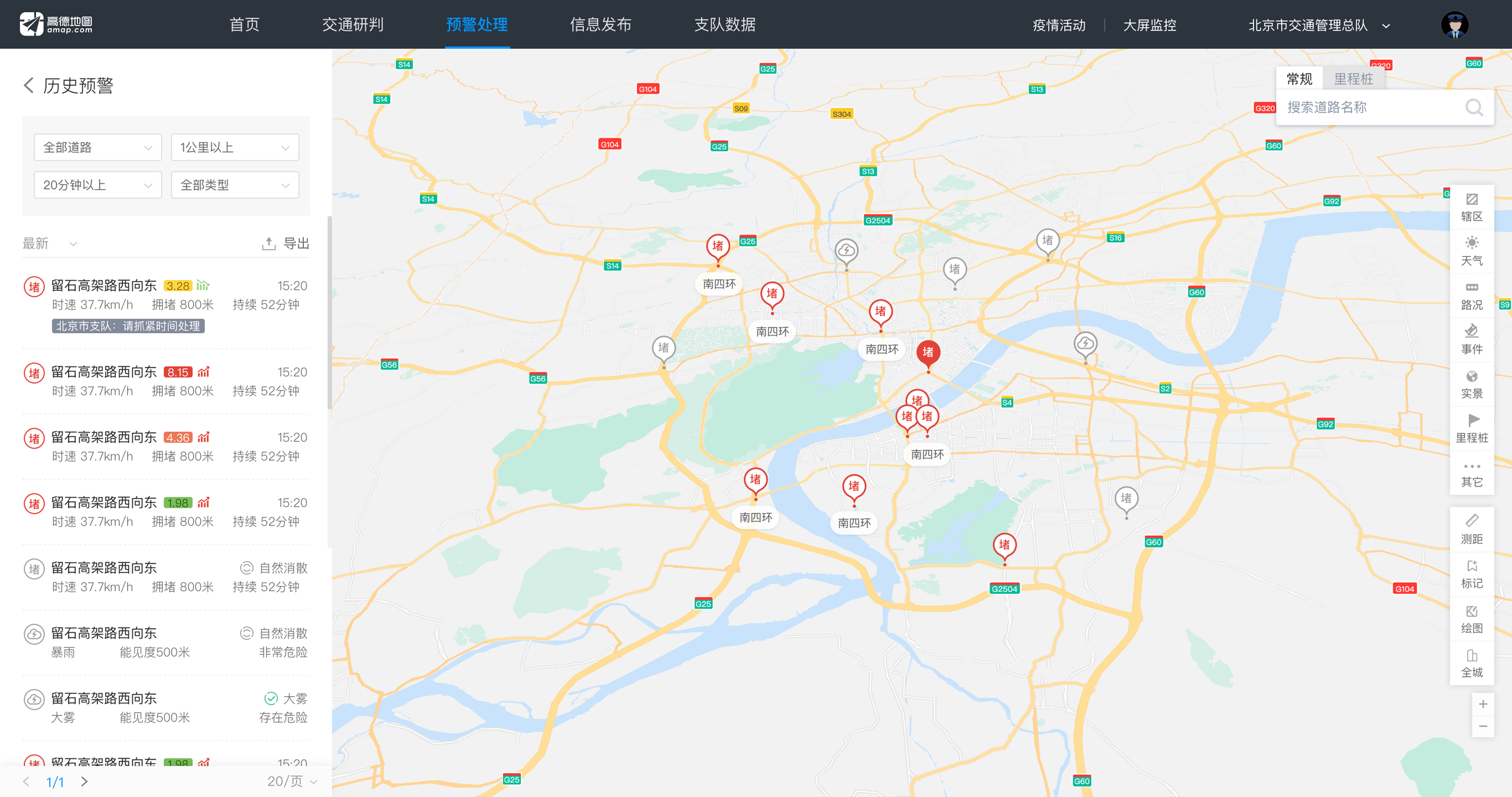
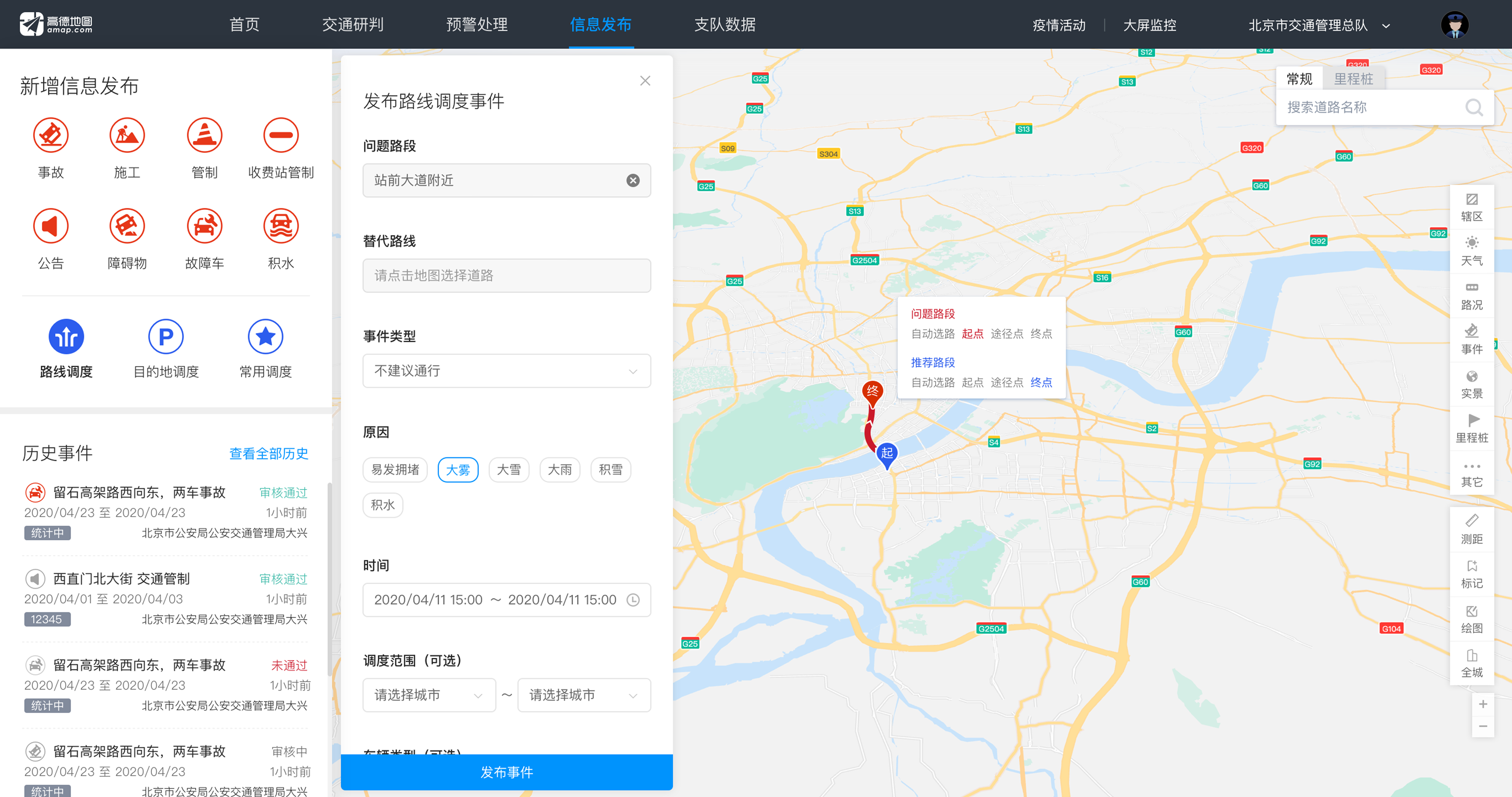
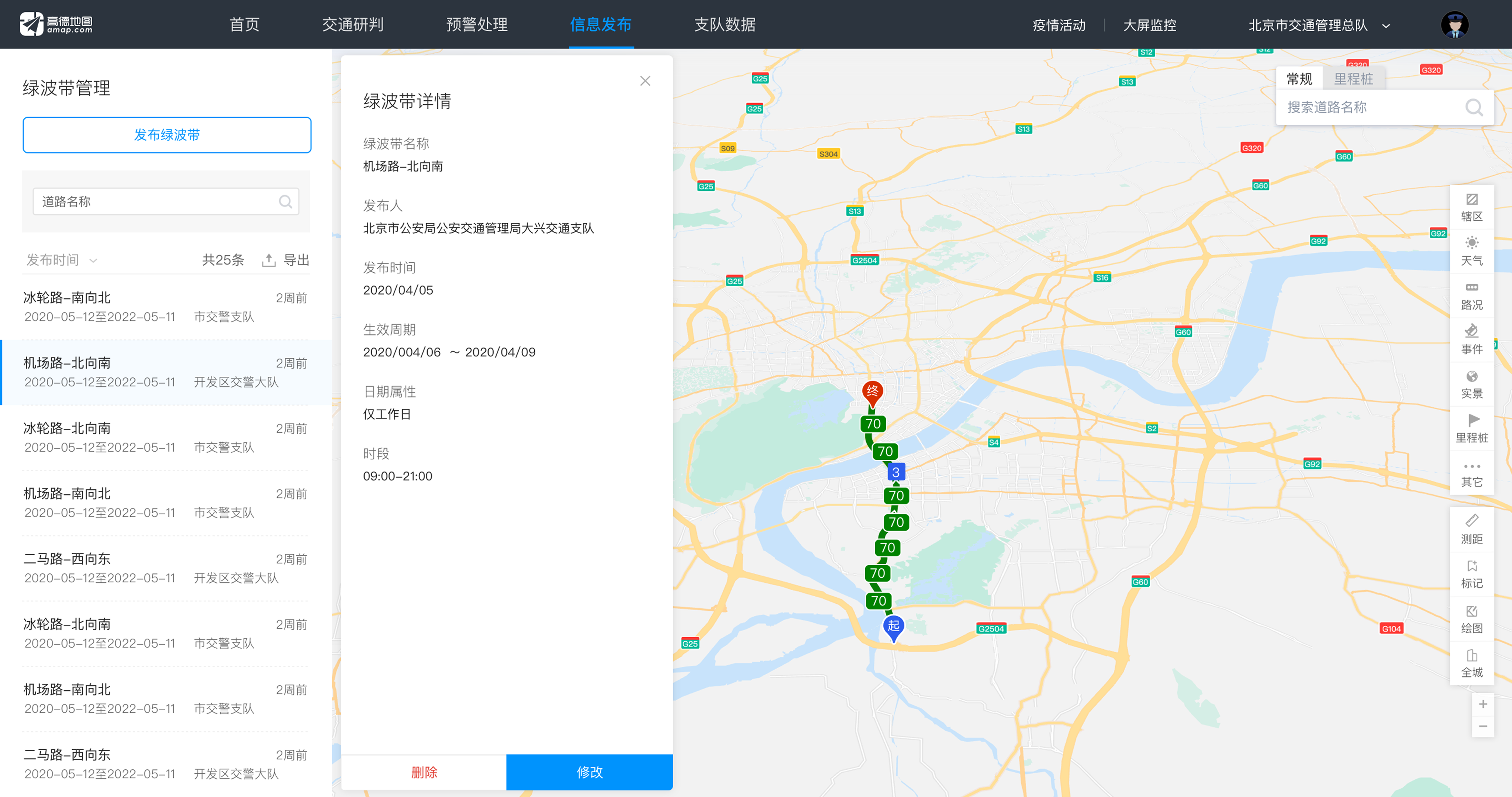
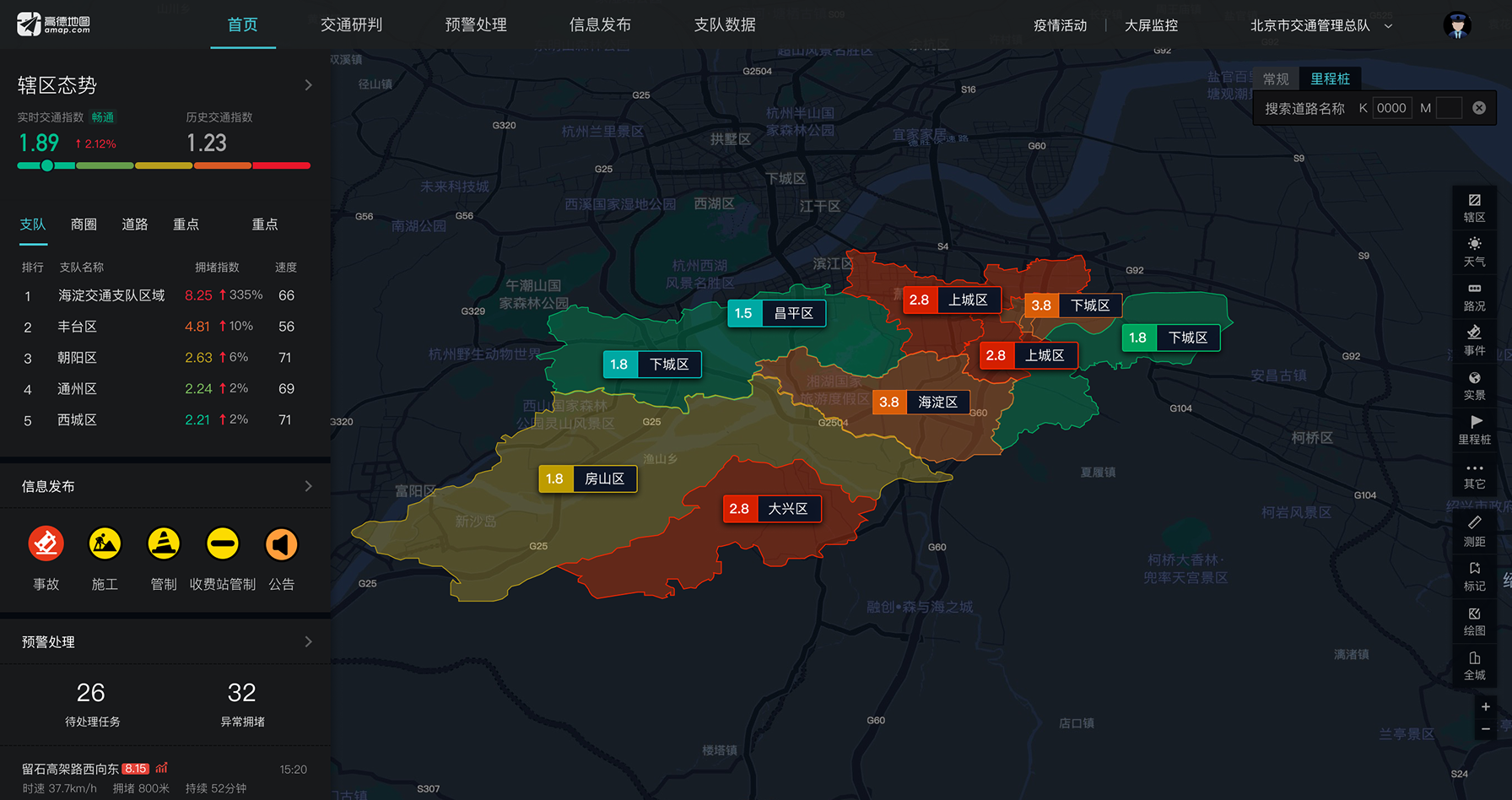
I moved the main navigation to the top and introduced a two-layer side panel. This allowed officers to manage task details while still monitoring live traffic updates and emerging incidents.

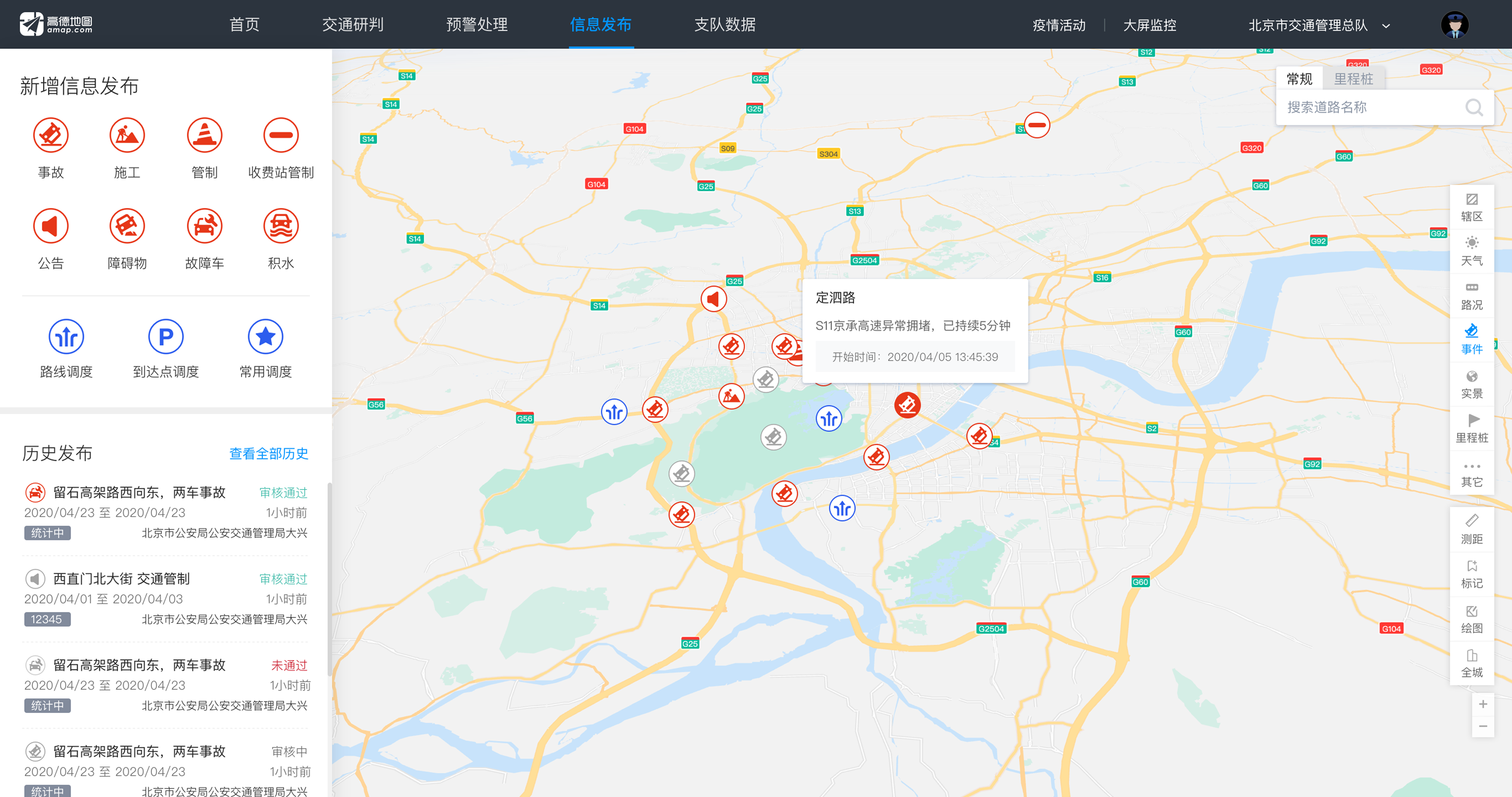
The platform needed to present many types of traffic information at the same time, including citywide conditions, road-level traffic data, incident details, weather overlays, mile markers, jurisdiction boundaries, measuring tools, annotations, and other operational context.
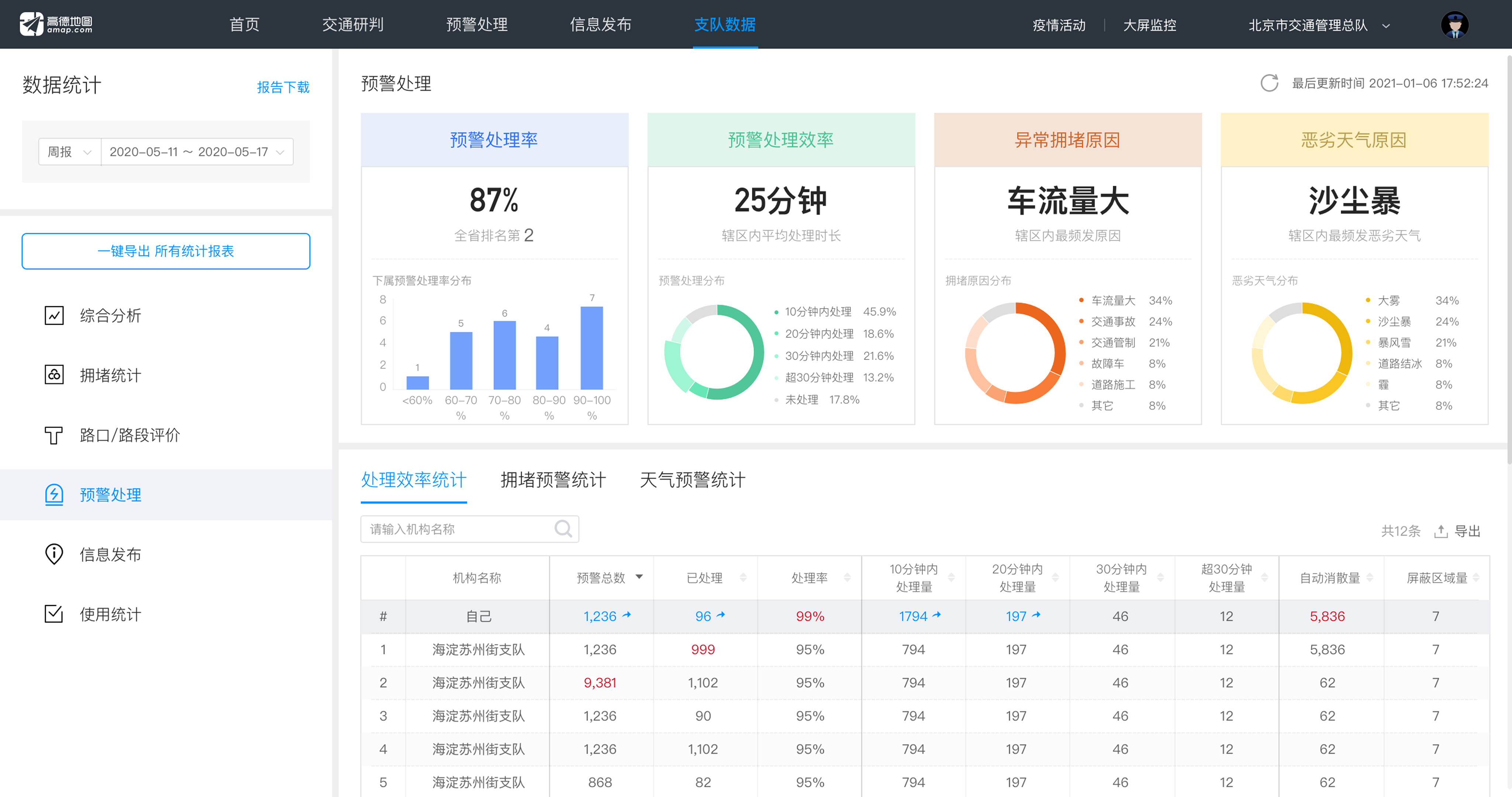
When too much information appeared within the same workspace, officers had to work harder to separate priority issues from supporting details.
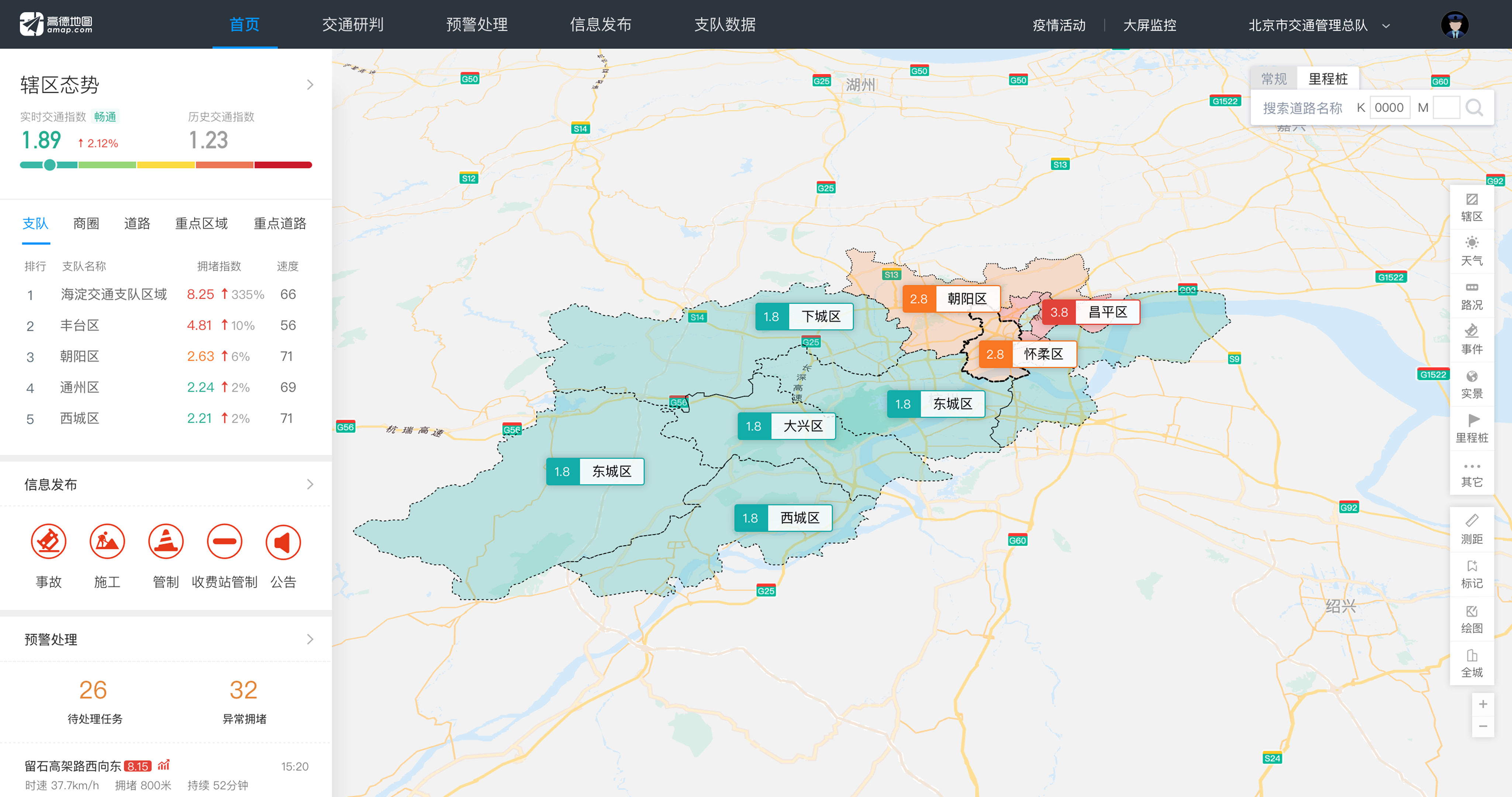
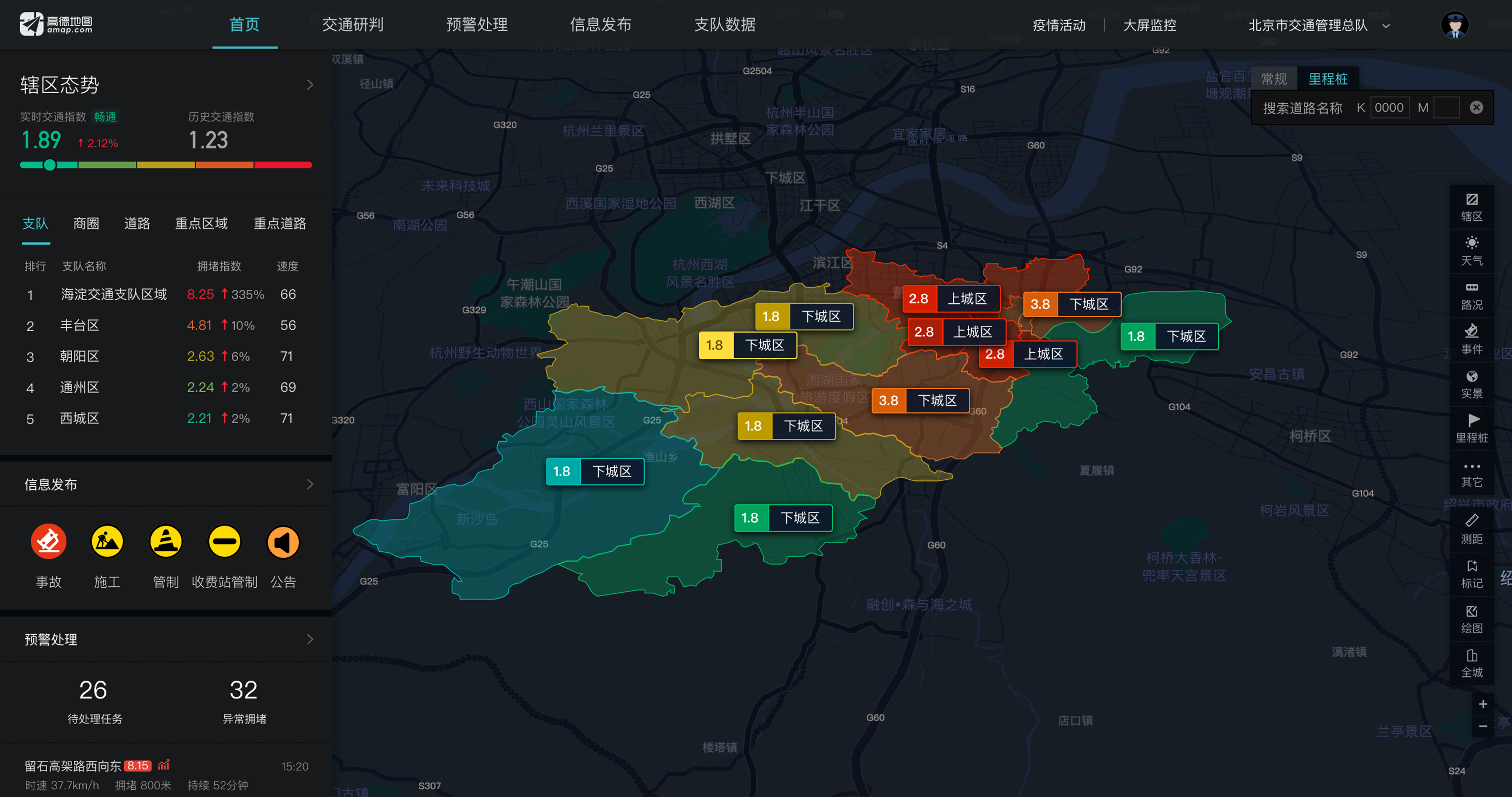
I introduced a side dashboard to surface top-level traffic status, priority indicators, and quick action entry points. Typography, spacing, icons, color, and progressive disclosure helped officers scan key information before drilling into details.
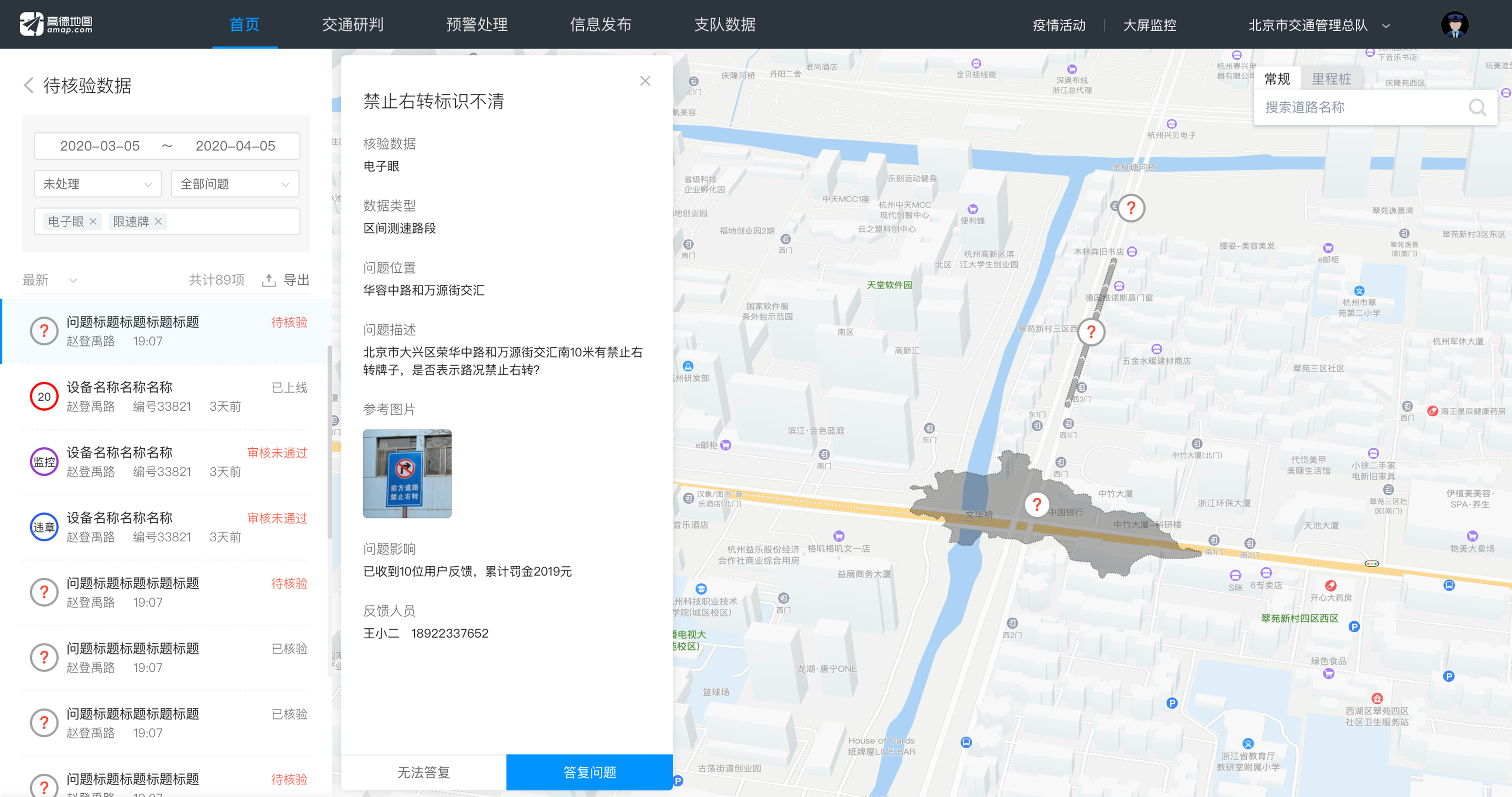
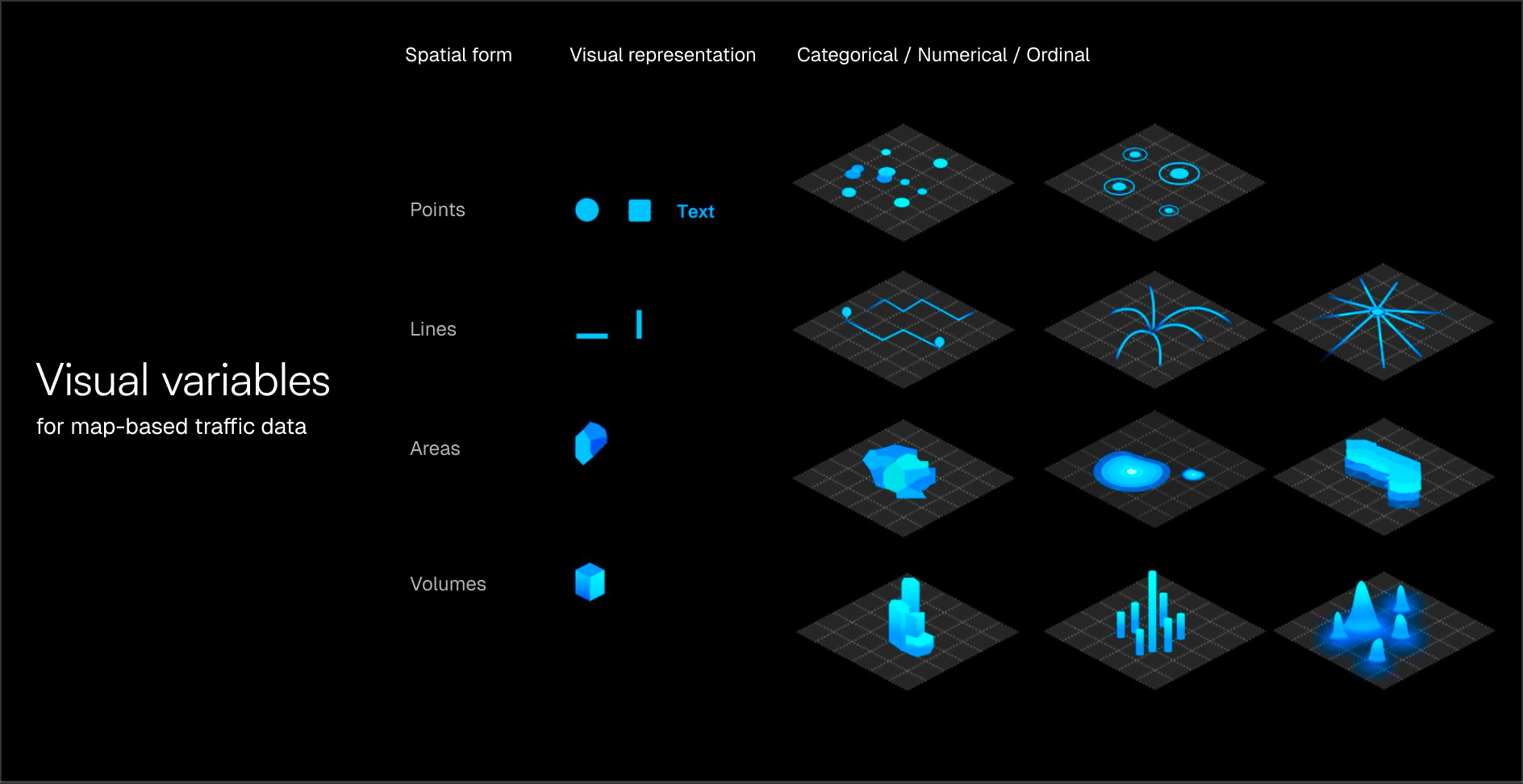
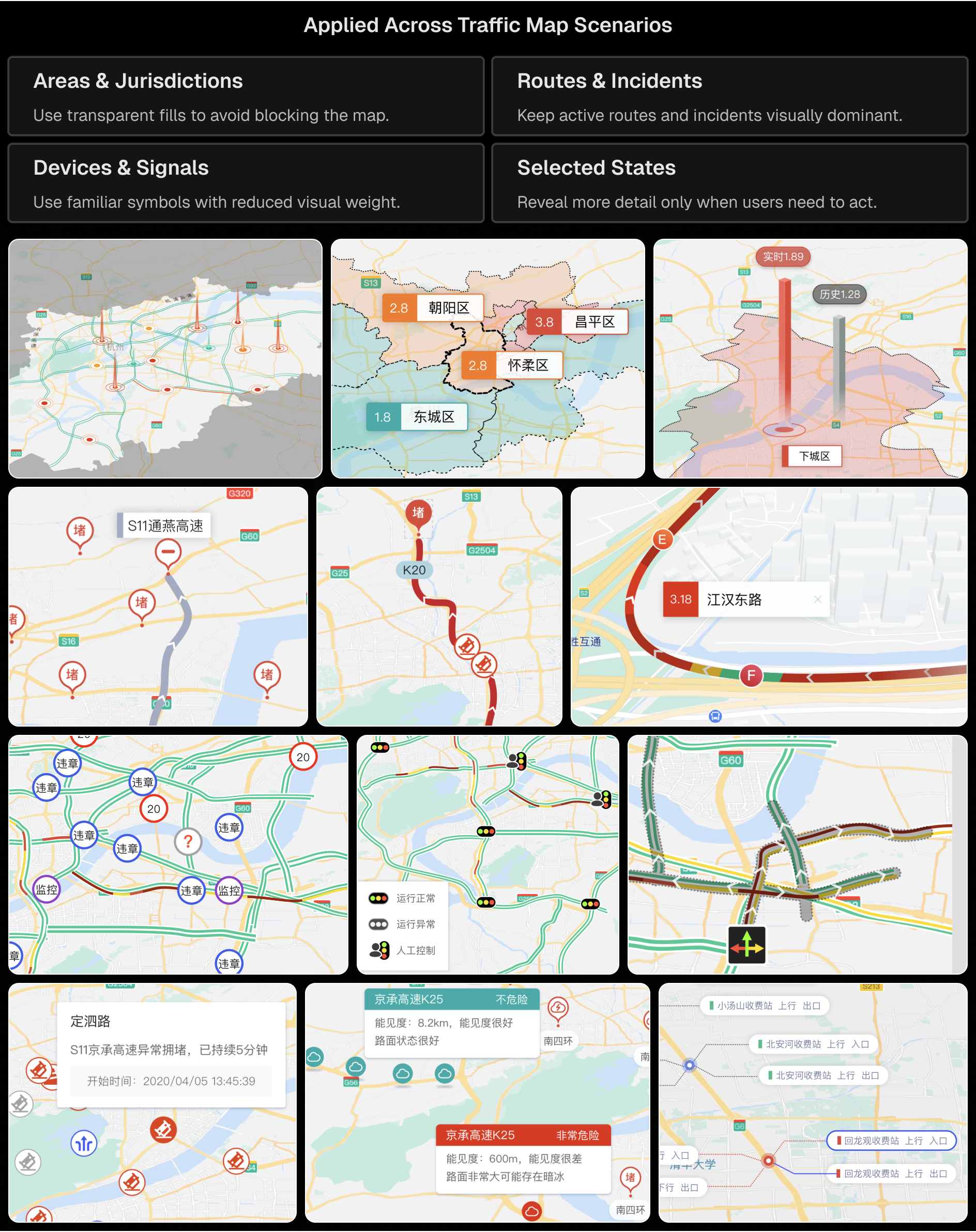
I organized map information by spatial type so different data would not compete visually. Incidents and devices were represented as points, road conditions and routes as lines, and jurisdictions, hotspots, or influence zones as areas.
This gave each data type a clear visual role, reducing competition between layers and making complex traffic patterns easier to read.
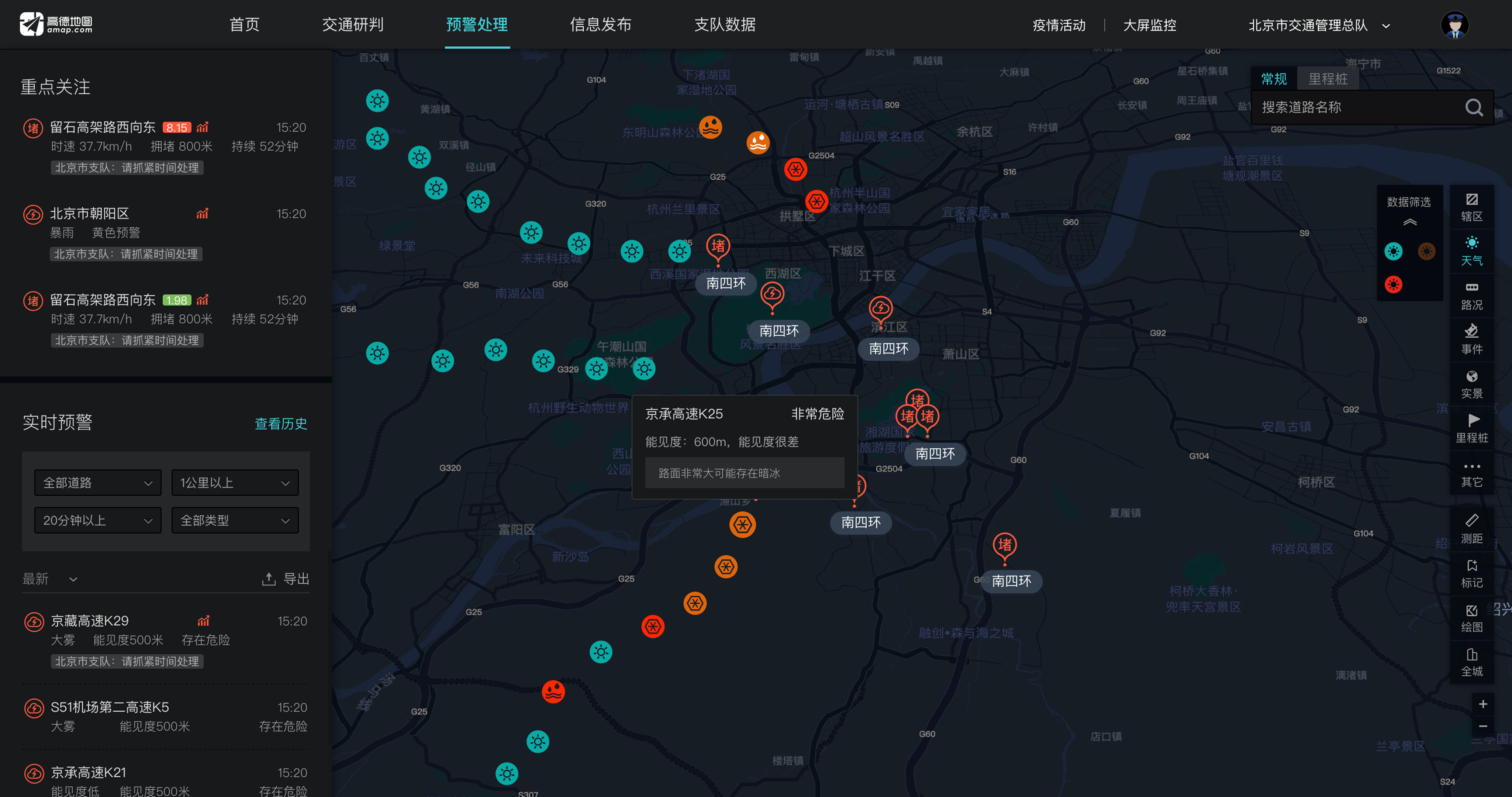
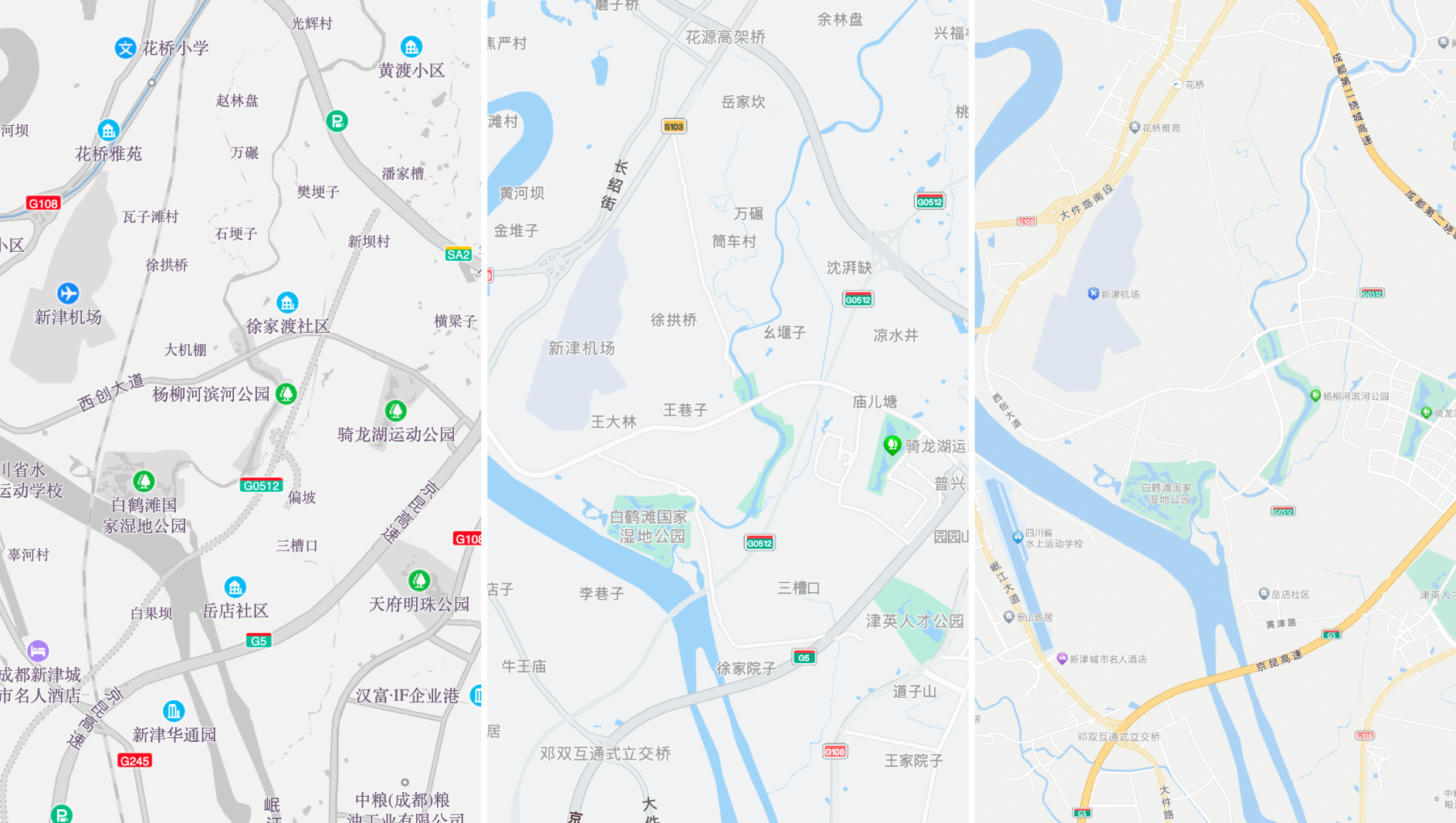
With multiple operational layers displayed on the map, the base map could easily add visual noise. Through several rounds of iteration, I reduced the visual weight of secondary roads, labels, and non-critical details, allowing traffic-critical information such as incidents and congestion to stand out clearly.
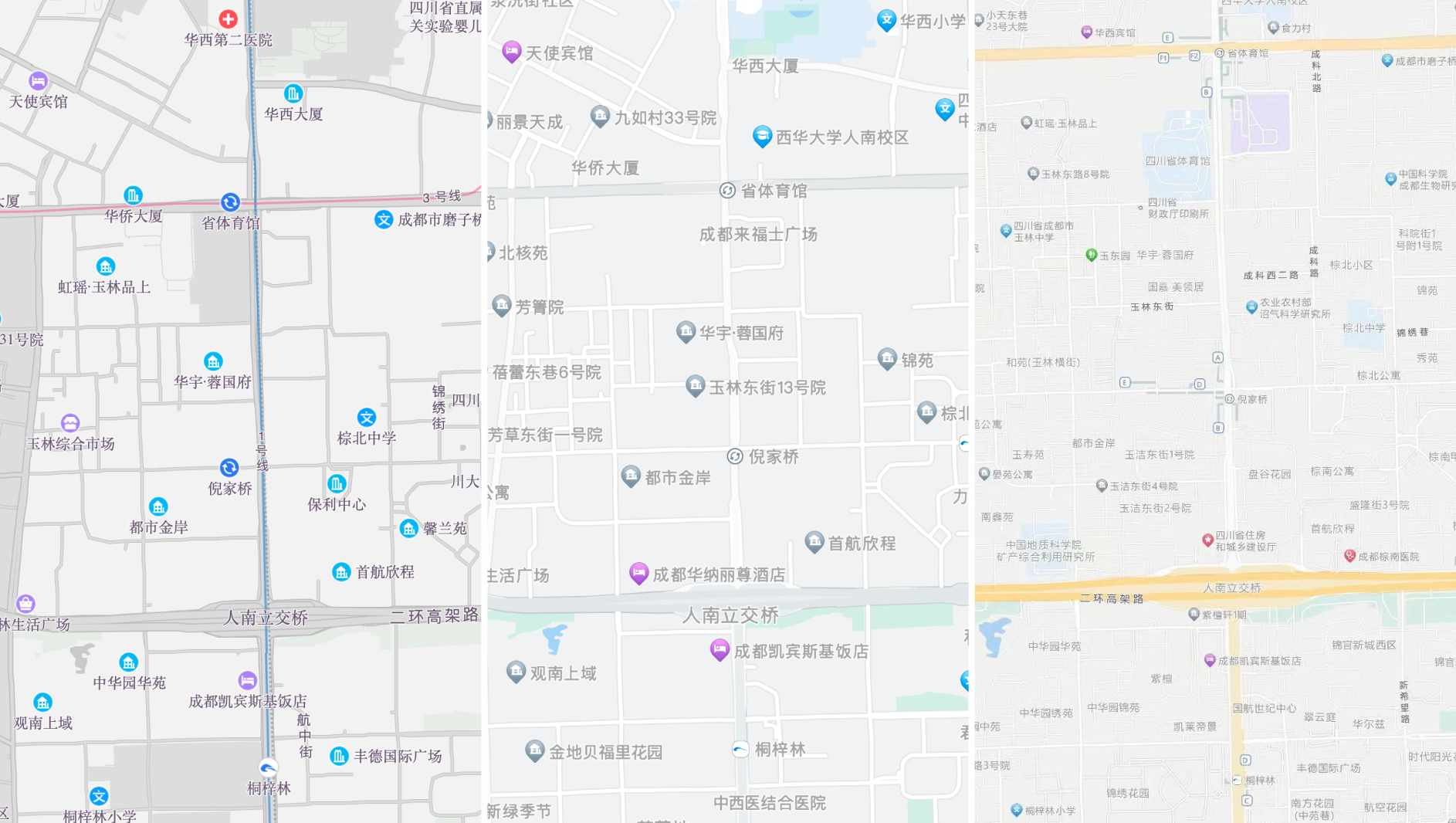
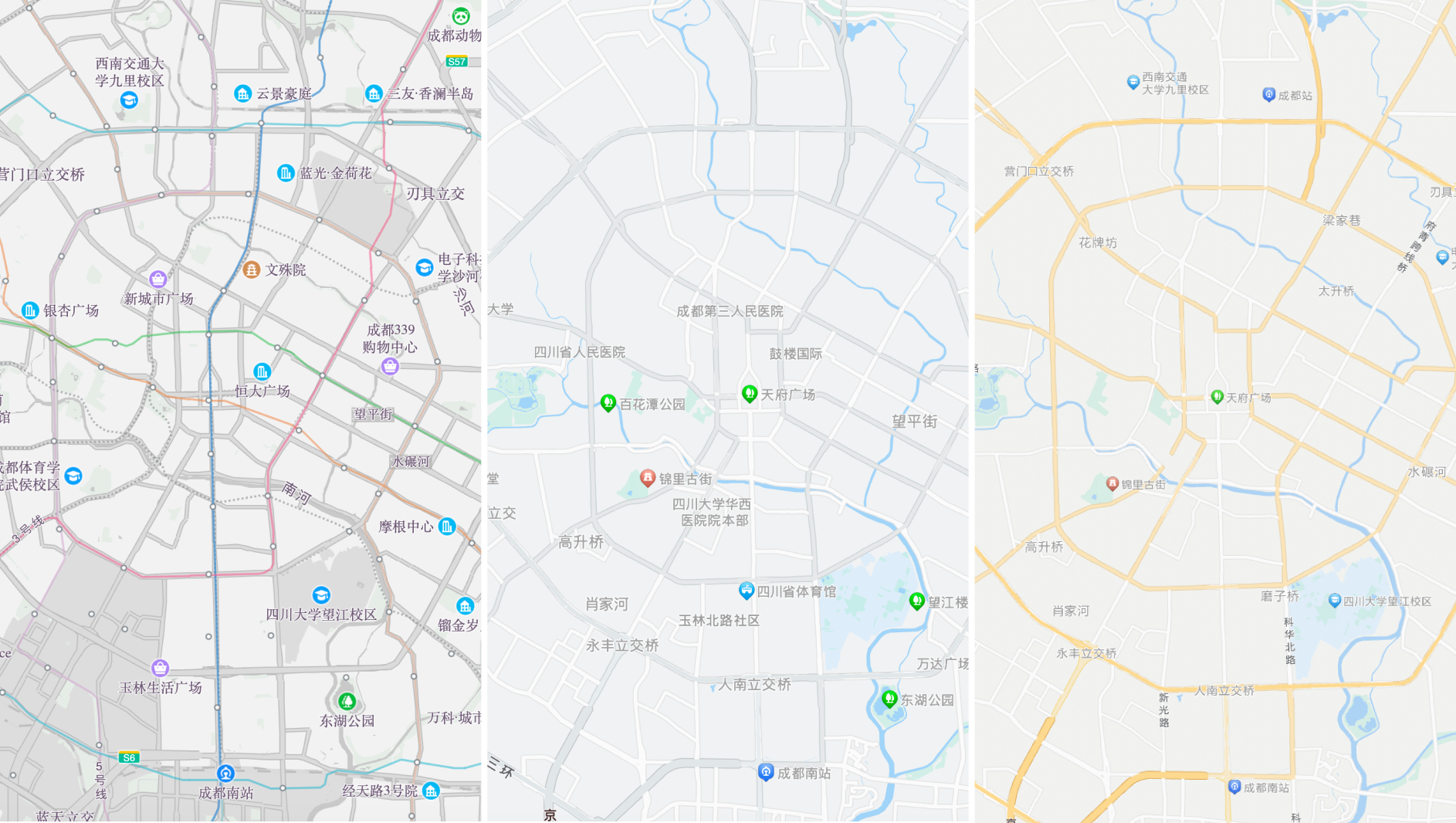
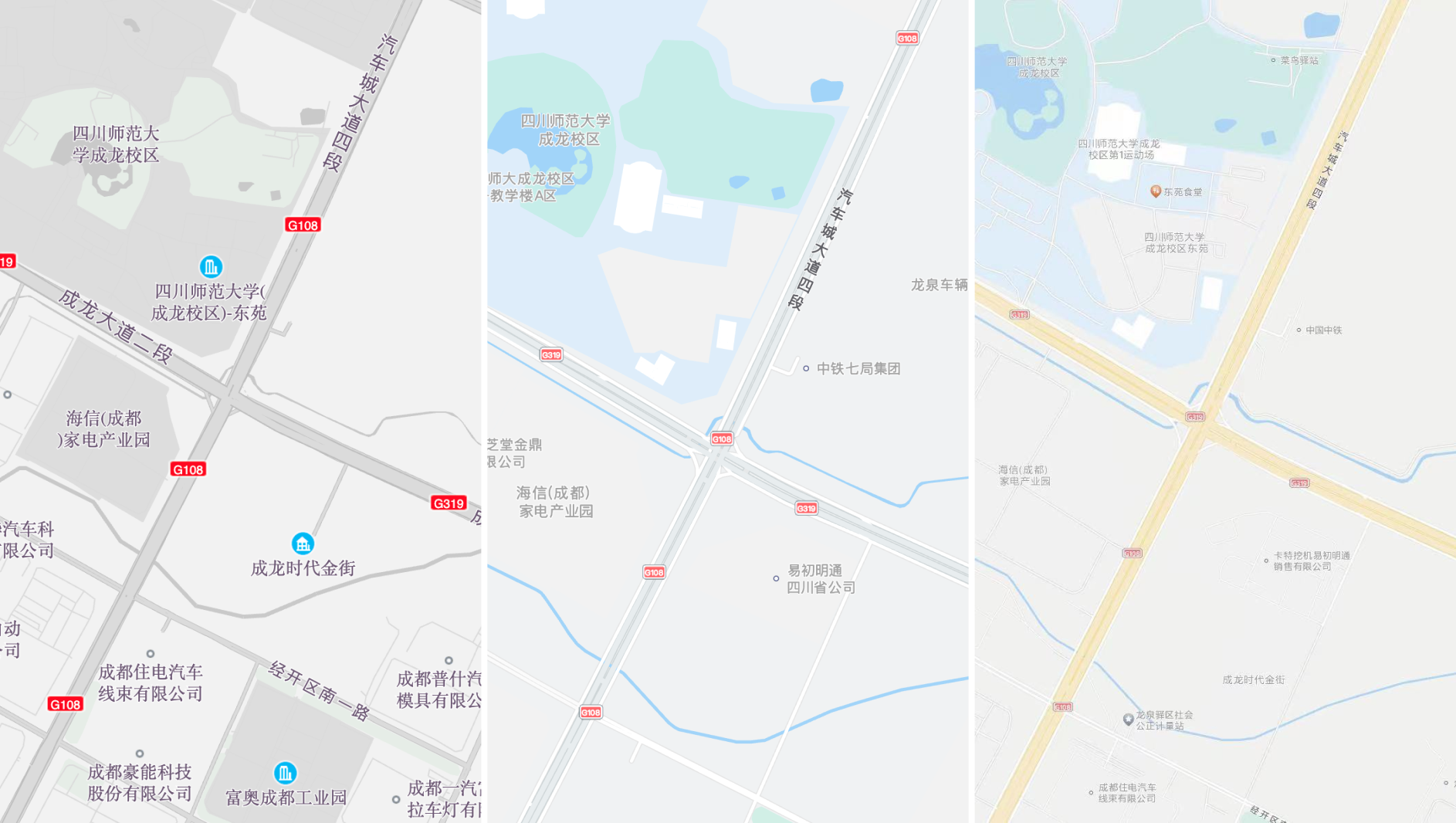
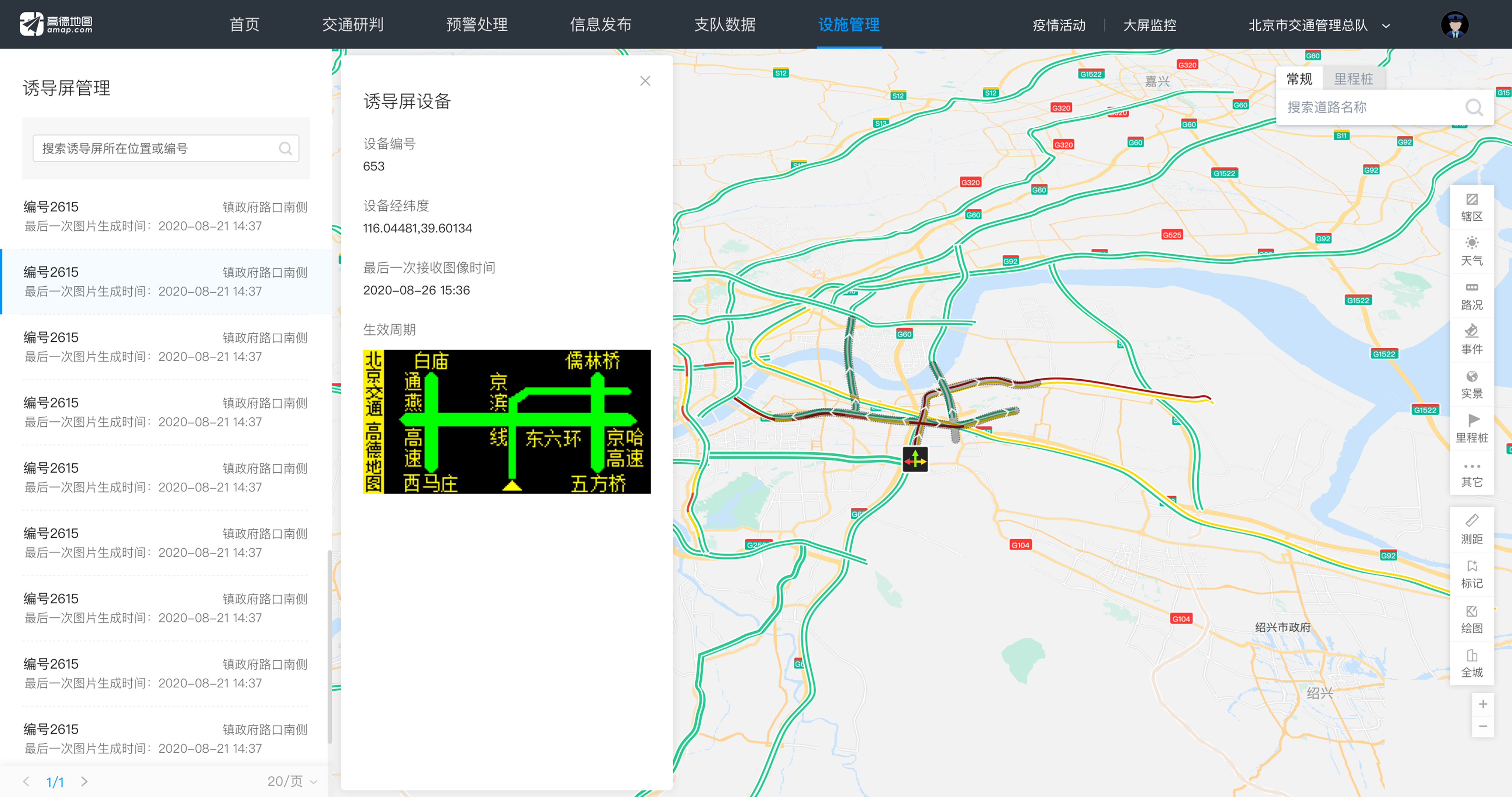
For map-based traffic operations, visual clarity was not only about reducing information. The interface needed to represent many real-world elements, including incidents, routes, jurisdictions, traffic signs, weather, cameras, guidance screens, traffic lights, and selected states.
I balanced the visual weight of points, lines, areas, labels, and status markers so primary operational data stood out, while supporting information remained recognizable without competing for attention.
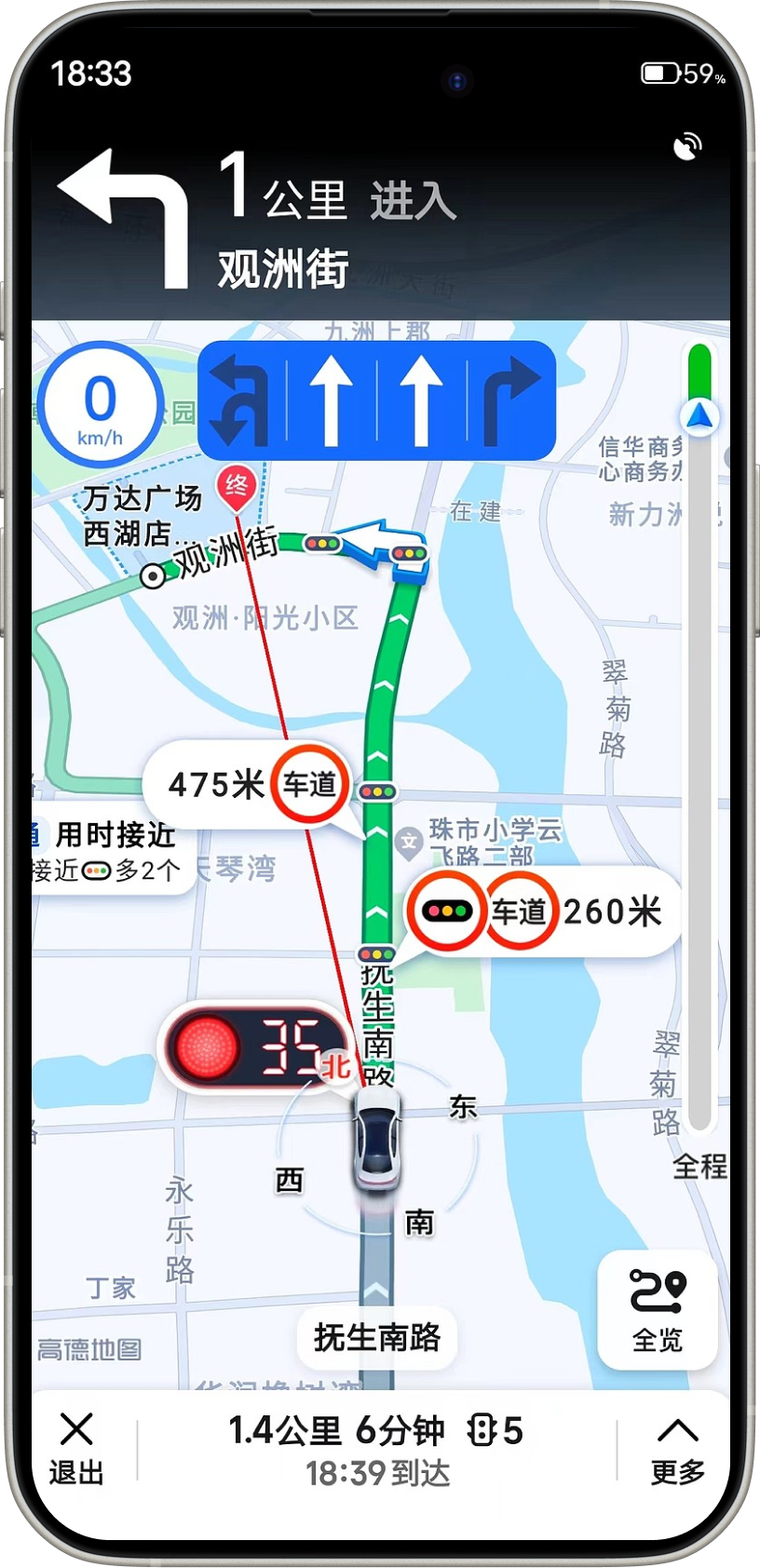
Two years later, when I returned to China from Canada, I noticed that Amap's traffic light countdown feature had become widely available across the country.
I knew this was not driven by design alone. It required large-scale data processing, continuous validation, and collaboration with traffic authorities. Still, seeing a system I once helped shape become part of everyday travel made me genuinely proud.